AutomateNexus CRM vs Keap
Small-business automation, without the $299 floor.
Keap is proven small-business automation, but it starts at $299 a month for two users and prices up with every contact tier. AutomateNexus CRM starts at $49, includes unlimited contacts and Karrie's agents, and grows in seats — not in contacts.
AutomateNexus CRM and Keap, line by line.
Comparison reflects publicly listed plans and features at time of writing. Keap plans, prices and limits are as published on their pricing page, checked September 2026. Vendors change plans, so verify on their site before you decide.
Everything the $299 plan does, from $49.
- 01
Six times lower entry price
Keap starts at $299 a month for two users. AutomateNexus CRM starts at $49 for five.
- 02
Contacts never raise the bill
Keap prices by contact tier. Ours are unlimited on every plan.
- 03
SMS and calling built in
Keap sells text messaging in add-on tiers from $24 to $279 a month. Telephony and SMS are part of the platform here.
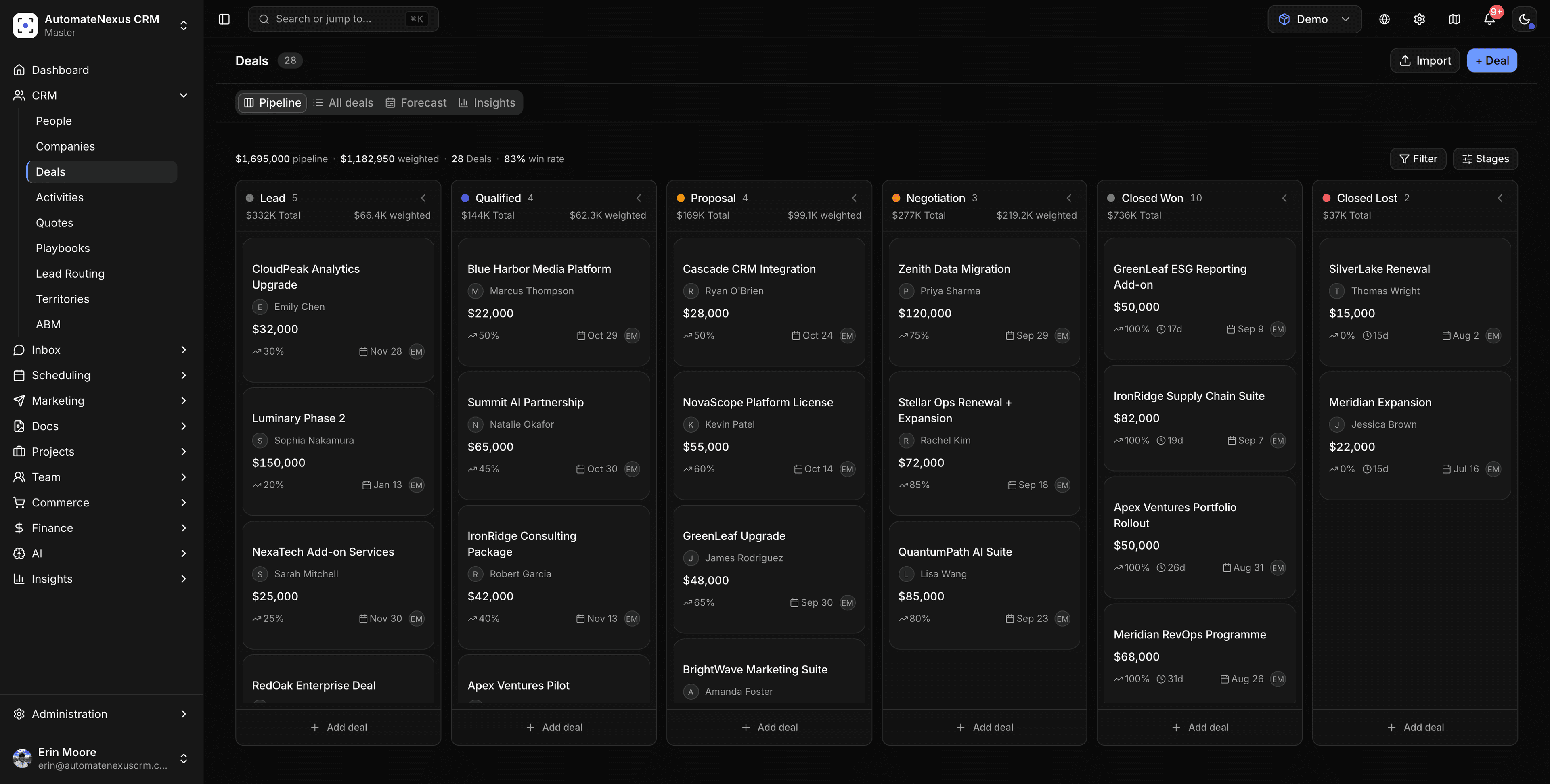

Move from Keap yourself, with a test run first.
Export your contacts, companies and deals from Keap as CSV or Excel files and bring them in through the migration wizard: your columns are matched to fields and every row is checked before anything is written. Run it on 25 records of each kind first, then the rest, and undo the whole run if anything is wrong.
- Every row checked before anything is written
- People matched by email, so nobody is added twice
- Your workflows stay quiet while it runs
- The whole import can be undone
Switching from Keap, answered.
Yes. Export your records from Keap as CSV or Excel files and bring them in through the migration wizard, which matches your columns to fields and checks every row before anything is written. Run it on 25 records of each kind first, then the rest; every run can be undone. Our free CRM migration checklist covers the export and the field mapping.
We don't meter contacts or charge per seat for core features. AI agents, revenue forecasting and white-label are on every plan, not paid add-ons or enterprise-only tiers. The one add-on is hosted email sending, and you can send through your own email provider instead.
Usually the opposite: every plan includes eight AI agents, revenue forecasting and full white-label. If there's a specific workflow you rely on, book a demo and we'll walk through how it works here.
You can be working the same day: connect your email and calendar, bring your records across with a test run first, and Karrie and the agents start from day one.
Keep the automation. Lose the floor.
Switch in an afternoon: import your contacts and put Karrie and the agents to work. 7-day free trial, no card.