For your business
CRM Automation Software
Trigger-based automations and AI agents keep your deals moving.
Run your pipeline on autopilot.
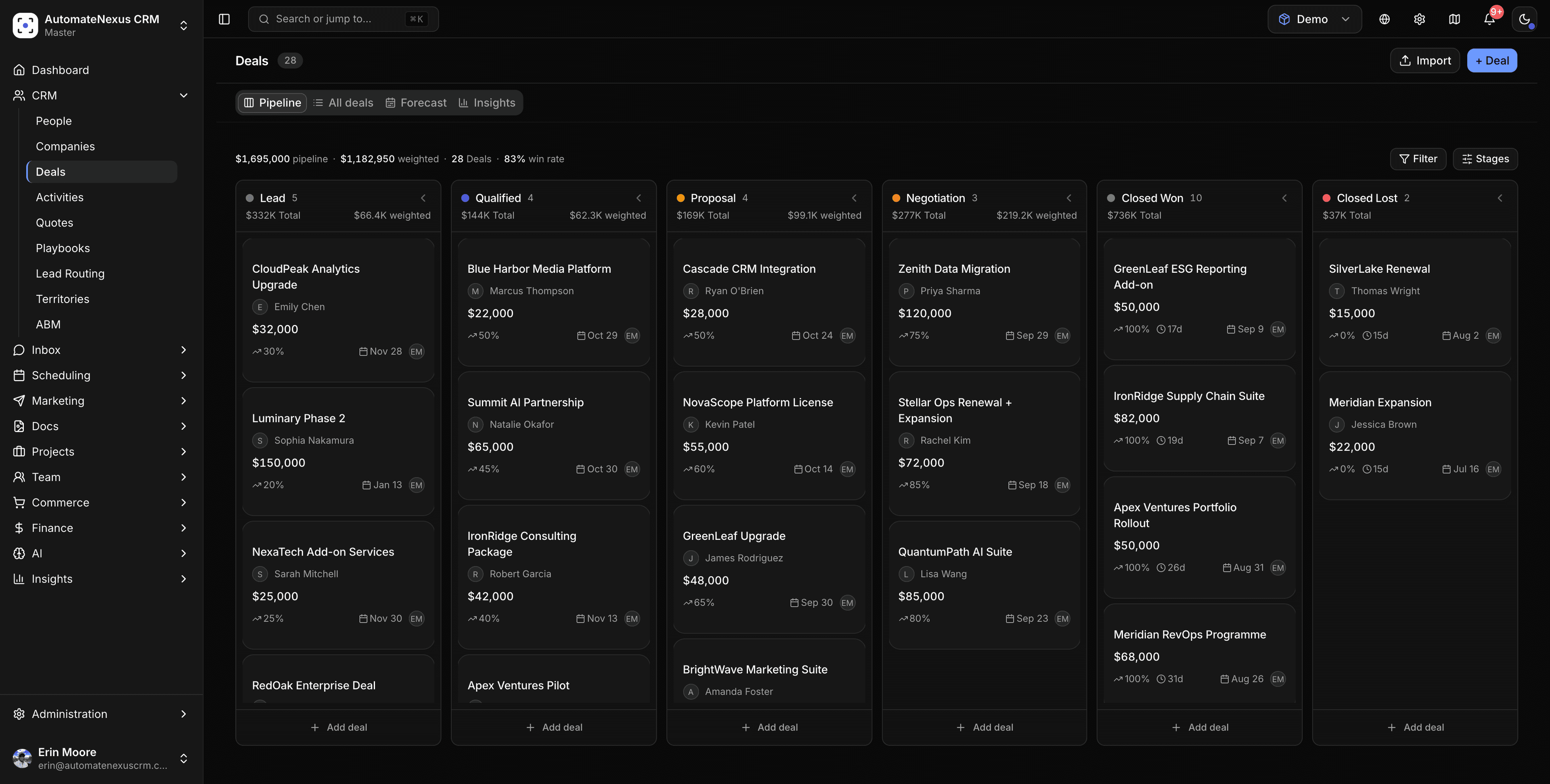

What CRM Automation Software does for you.
The same AI-native platform, focused on the outcome that matters most for your team.
- 01
Trigger-based automations
Define the trigger; the platform handles the rest — no manual handoffs between steps.
- 02
Agents on the busywork
The Ops agent handles meetings, tasks and workflows so nothing rots in the background.
- 03
Deals keep moving
Next-best-actions surface automatically so no deal stalls for want of a follow-up.
One system. Every plan.
Every figure here is something the product includes, on every plan.
- Autonomous AI agents, working 24/7
- 8
- Native integrations
- 70+
- Karrie never clocks out
- 24/7
- of plans include unlimited contacts
- 100%
One platform, fewer compromises.
Capabilities other CRMs lock behind enterprise tiers or sell as add-ons come standard here, so CRM Automation Software never means a second tool.
- Eight autonomous agents on every plan
- Revenue forecasting and AI lead scoring built in
- White-label and multi-tenant ready for agencies
- 70+ native integrations with two-way sync
- Full audit trail with human-in-the-loop approvals
- Starts at $49/month — no per-seat penalties
One trigger, real actions, a run history you can read.
A workflow is one trigger and the steps that follow on a visual canvas: send an email, text or WhatsApp message, create a task, update a record, create an invoice or quote, call a webhook, wait for a reply or a click, and branch on any field. Nothing on the canvas is simulated; every run is logged with its result.
- Triggers: record created, form submitted, deal stage changed, date approaching, a period without contact, or a schedule
- Wait Until a reply, an open or a click, with a give-up limit
- Branch (If / Else) on a field or value
- Actions that write back: tasks, records, invoices, quotes, webhooks
- Enrollment rules: once, again after a number of days, or every time
- Runs today, success rate and history on the Automation page
Start from a template, read the workflow builder guide, or see how marketing automation uses the same engine.
Explore similar solutions.
CRM Automation Software, answered.
A record being created or updated, a form submission, a deal changing stage, an email being opened, clicked or replied to, a date approaching (a renewal, a meeting), a period without contact, or a schedule. One trigger per workflow.
Send an email, SMS or WhatsApp message (with Twilio connected), create or assign a task, update fields, create an invoice or a quote, call a webhook, wait for a number of minutes, hours or days, wait until the person replies or clicks, and branch on any value.
They act on the same records. The AI SDR agent can hand qualified leads to one workflow and below-threshold leads to a nurture workflow, and the Ops agent picks up the tasks workflows create. Anything customer-facing waits for approval unless you raise an agent's autonomy.
The Automation page shows runs today, the success rate across recent runs and workflows that have never run; each workflow lists its run count, success percentage and last run, and the History tab keeps every run with its result.
Yes. Follow-up Sequence (stops on reply), Lead Nurturing Drip, Text then Email if No Reply, Welcome New Contacts, Re-engage Quiet Customers, Reply Handoff, Client onboarding, Invoice Payment Reminder and Assign Leads by Region deploy as editable workflows.
Get started with CRM Automation Software.
Start your 7-day free trial. No credit card. Karrie is ready on day one.