AutomateNexus CRM vs HubSpot
All the power. None of the per-seat tax.
HubSpot is capable — and it bills like it. AutomateNexus CRM gives you an AI co-pilot, white-label, and unlimited contacts on every plan, for a flat price that doesn't balloon as you grow.
AutomateNexus CRM and HubSpot, line by line.
Comparison reflects publicly listed plans and features at time of writing. HubSpot plans, prices and limits are as published on their pricing page, checked September 2026. Vendors change plans, so verify on their site before you decide.
Work out what switching from HubSpot saves youEnterprise capability, without the enterprise invoice.
- 01
One predictable price
No surprise jumps when you add a seat, a contact tier, or unlock the AI. What you sign up for is what you pay.
- 02
AI that acts
Karrie drafts, answers and flags what needs you, and the agents score leads and follow up. Not a prompt box bolted onto the side of a marketing suite.
- 03
Agency-ready
White-label, custom domains, and isolated client workspaces are built in — something HubSpot simply does not offer.
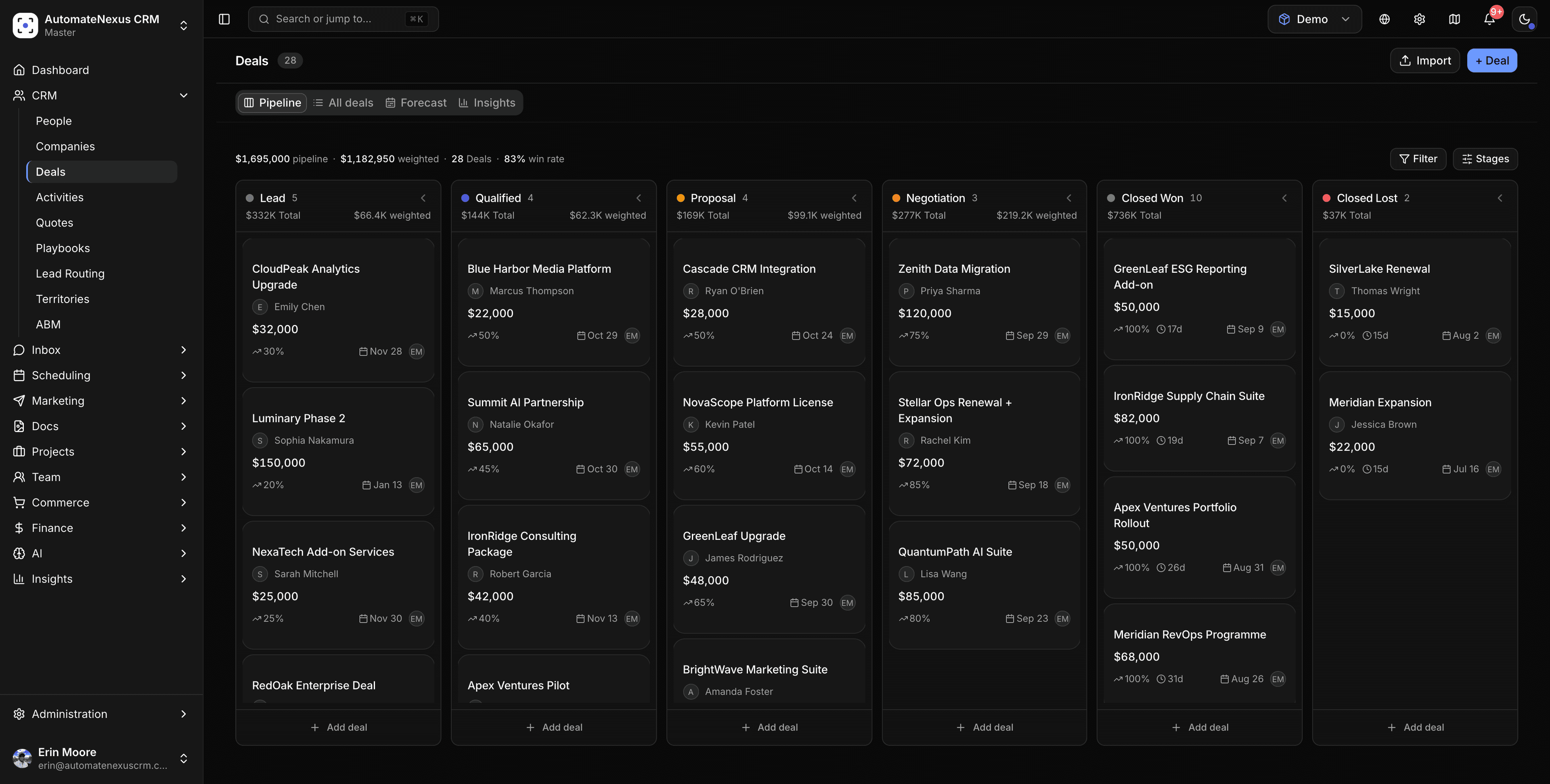

Move from HubSpot yourself, with a test run first.
The migration wizard connects to HubSpot with an access token and brings companies, people and deals across, with their notes and tasks. Run it on 25 records of each kind first, check them, then run the rest, and undo the whole run if anything is wrong.
- Every row checked before anything is written
- People matched by email, so nobody is added twice
- Your workflows stay quiet while it runs
- The whole import can be undone
See it the way our buyers do.
Open the deal room we send our own buyers: the film, how getting started works, plans and prices, and a calendar to book your demo. It is a deal room built in AutomateNexus CRM, the same page you will send your customers.
Deal room · AutomateNexus CRM
Your next CRM, in one page.
- The 3-minute filmThe CRM, start to finish
- Getting started, step by stepFrom sign-up to your first deal
- Plans and pricesFlat team pricing, no per-seat AI fee
- Book your demo30 minutes with ErinNext step
Switching from HubSpot, answered.
Yes, yourself. The migration wizard connects to HubSpot with an access token and brings companies, people and deals across, with their notes and tasks. Run it on 25 records of each kind first, check the result, then run the rest; every run can be undone. Our free CRM migration checklist covers the steps.
We don't meter contacts or charge per seat for core features. AI agents, revenue forecasting and white-label are on every plan, not paid add-ons or enterprise-only tiers. The one add-on is hosted email sending, and you can send through your own email provider instead.
Usually the opposite: every plan includes eight AI agents, revenue forecasting and full white-label. If there's a specific workflow you rely on, book a demo and we'll walk through how it works here.
You can be working the same day: connect your email and calendar, bring your records across with a test run first, and Karrie and the agents start from day one.
Move off HubSpot this week.
Switch in an afternoon: import your contacts and put Karrie and the agents to work. 7-day free trial, no card.