Apps
AutomateNexus CRM on every screen you own.
Install it on your phone, tablet, and desktop in under a minute. Same pipeline, same Karrie, same inbox. No app store, and it updates itself.
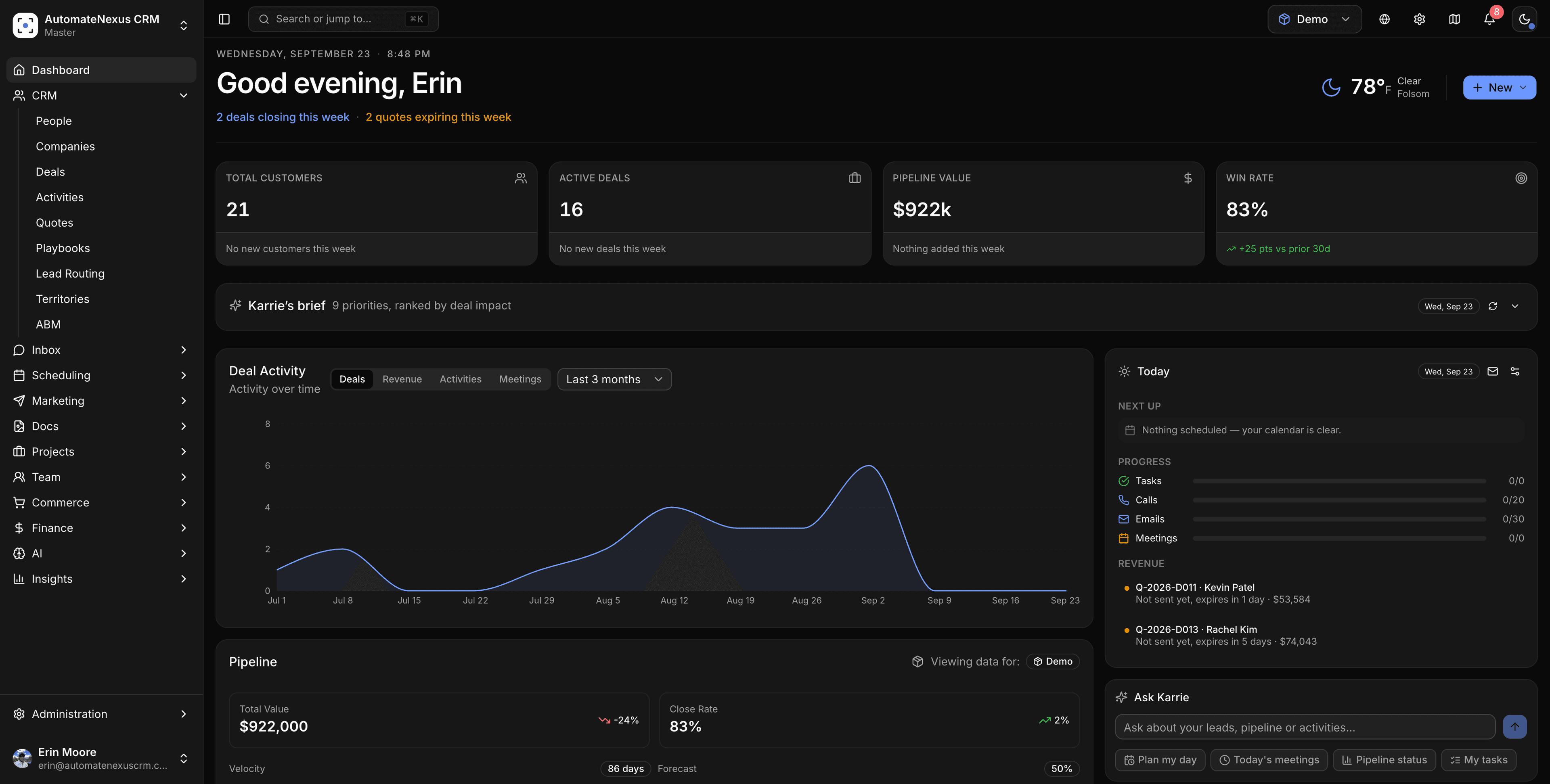
Three taps on mobile. Two clicks on desktop.
AutomateNexus CRM is built as an installable web app, so there is nothing to download from a store and no version to keep up with.
In Safari
iPhone & iPad
- 01Open app.automatenexuscrm.com in Safari and sign in.
- 02Tap the Share button, then "Add to Home Screen".
- 03Tap Add. AutomateNexus CRM now opens full-screen from your home screen.
In Chrome
Android
- 01Open app.automatenexuscrm.com in Chrome and sign in.
- 02Tap the ⋮ menu, then "Install app" (or "Add to Home screen").
- 03Tap Install. It appears in your app drawer like any other app.
In Chrome or Edge
Mac & Windows
- 01Open app.automatenexuscrm.com in Chrome or Edge and sign in.
- 02Click the install icon at the right end of the address bar (or ⋮ → "Install AutomateNexus CRM").
- 03It launches in its own window with a Dock / taskbar icon. On macOS Safari, use File → Add to Dock.
The whole CRM, not a cut-down mobile version.
- 01
Always current
Updates ship to the installed app automatically. There is never a version to download or an update to approve.
- 02
Notifications
Deal alerts, Karrie's briefs, and inbox replies can notify you on devices where you allow it.
- 03
Same security
Your login, two-factor and role permissions apply on every device. Removing the app removes nothing from your CRM.
On every device
- Pipeline, contacts, deals, tasks
- Karrie AI and your daily brief
- Unified inbox, chat, SMS, WhatsApp
- Booking, calendar, meeting notes
- Invoices, quotes, payments
- Client portal and approvals
New here? See every feature or compare plans.
Installing the app, answered.
The installed web app is the mobile app. It is the same product you use in the browser, installs in under a minute without a store, and updates itself. Nothing is held back on mobile.
Two ways. Install it from Chrome or Edge (or Safari's Add to Dock on macOS) and it runs in its own window with a Dock or taskbar icon, separate from your browser tabs. Or download the native app for macOS and Windows from automatenexuscrm.com/desktop, which adds system notifications and tells you when a new version is out.
The app loads instantly from your device, but reading and updating records needs a connection: your data lives in your workspace, not on the phone.
No. One account works everywhere, and mobile does not use a seat.
Prefer a real download?
- 01Desktop app for Mac and WindowsAvailable nowA native download for macOS and Windows 10+, with its own window, a Dock or taskbar icon and system notifications.
- 02iPhone and Android appsLaunch listWe're building native iPhone and Android apps. Leave your email and we will write once, the day they are on the stores.
Your pipeline, in your pocket.
Start a 7-day free trial, sign in on your phone, and add it to your home screen.