Desktop app
AutomateNexus CRM, on your desktop.
Free with your account. macOS and Windows, in its own window, with a Dock or taskbar icon.
Version 1.0.5 Free with any plan
Prefer your browser or phone?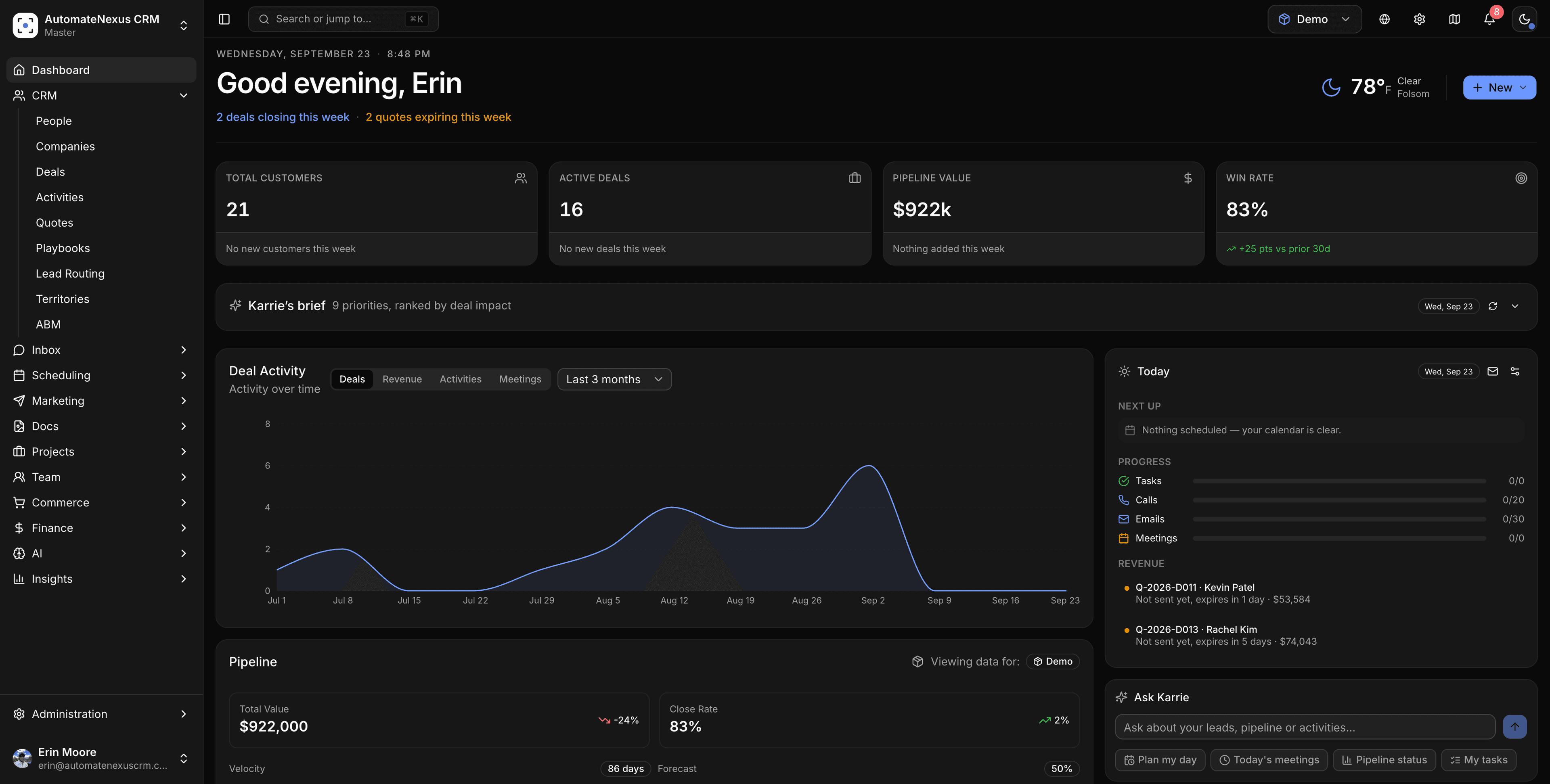
Installing takes a minute.
The Mac app is signed and checked by Apple, so it opens like any other app. Windows asks once before the first run. Here is the whole of it.
macOS
- 01
Open the download and drag AutomateNexus CRM into Applications.
- 02
Open it from Applications. Your Mac asks once whether to open an app from the internet: click Open.
Windows
- 01
Run the installer. SmartScreen says it protected your PC.
- 02
Click More info.
- 03
Click Run anyway.
Rather not install anything? The browser install gives you the same app in its own window.
Install from the browser insteadWhat the desktop app adds.
- 01
Its own window
A Dock and taskbar app that reopens where you left it, separate from the fifty tabs you already have open.
- 02
Notifications that reach you
A reply, a hand-off or a meeting starting shows up as a system notification, whether or not a browser is running.
- 03
Stays current
The app always shows the current CRM. On Windows a new version installs itself in the background; on macOS the app tells you when one is out and takes you to the download.
- 04
Your microphone, nothing else
The softphone can use the microphone on the CRM's own origin. The camera is denied and links to anywhere else open in your browser.
Bring every customer
into focus.
Seven days free on Starter, no credit card. Karrie and all eight agents are ready on day one.