For your business
CRM + Accounting Software
Quotes, invoices, and payments live next to your deals — synced with QuickBooks.
Pipeline meets the books.
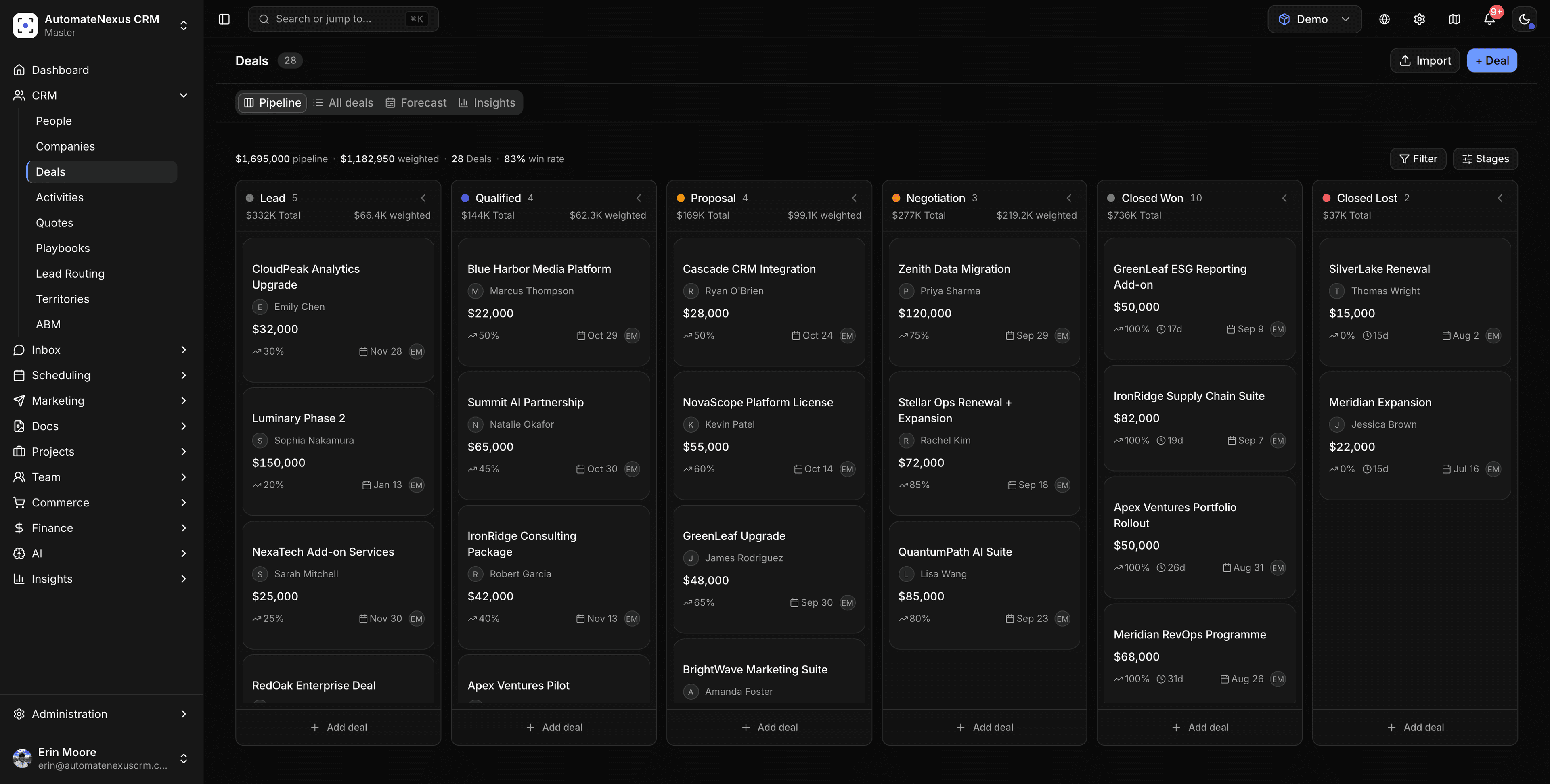

What CRM + Accounting Software does for you.
The same AI-native platform, focused on the outcome that matters most for your team.
- 01
Pipeline meets the books
Quotes, invoices, and payments sit right beside the deals that created them.
- 02
QuickBooks two-way sync
Financials stay reconciled automatically — no double entry, no drift.
- 03
Revenue you can trust
Recognition and tax handling built in, so the numbers always tie out.
One system. Every plan.
Every figure here is something the product includes, on every plan.
- Autonomous AI agents, working 24/7
- 0
- Native integrations
- 0+
- Karrie never clocks out
- 0/7
- of plans include unlimited contacts
- 0%
One platform, fewer compromises.
Capabilities other CRMs lock behind enterprise tiers or sell as add-ons come standard here, so CRM + Accounting Software never means a second tool.
- Eight autonomous agents on every plan
- Revenue forecasting and AI lead scoring built in
- White-label and multi-tenant ready for agencies
- 60+ native integrations with two-way sync
- Full audit trail with human-in-the-loop approvals
- Starts at $49/month — no per-seat penalties
Quotes, invoices and payments on the deal that earned them.
A quote is built from your catalogue with optional lines, discounts, tax and a deposit; an accepted quote becomes the invoice in one click, and payment arrives through Stripe, PayPal or Square. QuickBooks Online stays in step: invoices, payments, estimates and credit memos sync both ways.
- Unlimited quote lines, optional lines, quote-level discounts and tax
- Discount and margin approval thresholds before a quote goes out
- Deposit invoice first, balance invoice after
- Stripe, PayPal and Square on invoices and bookings
- Credit notes that reduce what is owed everywhere
- Invoices, payments, estimates and credit memos in step with QuickBooks Online
Details on invoicing and billing, the QuickBooks integration, and the quotes guide step by step.
Explore similar solutions.
CRM + Accounting Software, answered.
No, and it does not try to be. The CRM owns the sales side: quotes, invoices, deposits, payments and credit notes next to the deal. QuickBooks Online stays your ledger, and the two-way sync keeps invoices, payments, estimates and credit memos matched so nothing is typed twice.
Accept the quote and choose Create invoice: the line items, pricing and customer details carry over. A quote with a deposit creates the deposit invoice first and then offers the balance invoice.
Yes. Set an approval threshold above a discount percentage or below a margin under Settings → Invoicing; a quote past the line waits on the Approvals tab for an admin before it can be sent.
Stripe, PayPal and Square on invoices and booking pages. Card details go to the processor, never to the CRM. Payments record against the invoice and, with QuickBooks connected, flow back to the ledger.
Yes. Once sent, the quote preview shows when it was opened, how many times, and which sections the reader spent time on, and the Quotes page has a Tracking tab across all of them.
Get started with CRM + Accounting Software.
Start your 7-day free trial. No credit card. Karrie is ready on day one.