Migration
Calendly + AutomateNexus CRM
Import your Calendly event types once; the CRM's booking pages take it from there.
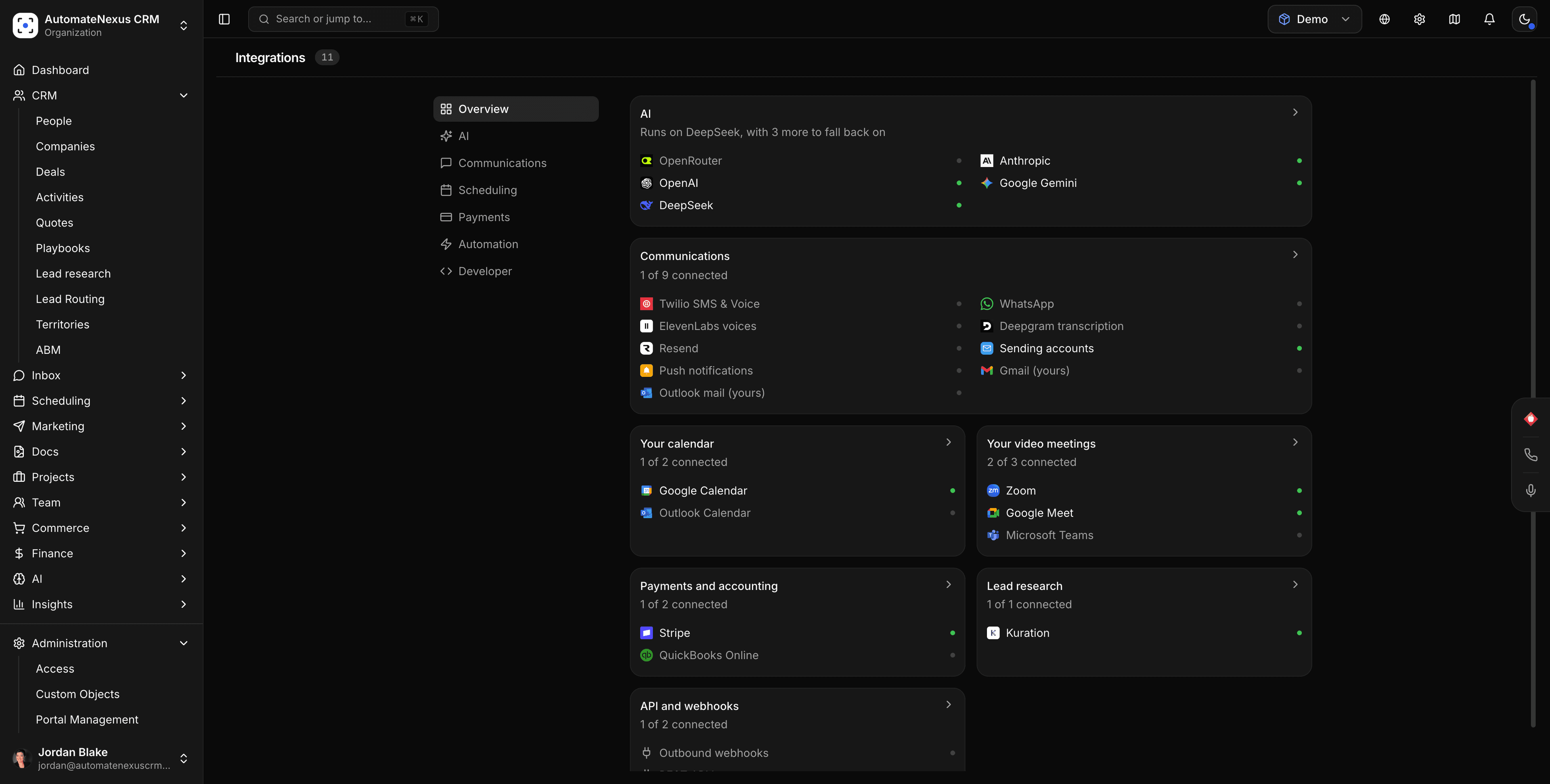
Calendly, wired into your pipeline.
- 01
Your event types, in one import
Scheduling → Booking → Import: paste a Calendly personal access token and choose the event types to bring over. Name, duration, description, colour and active flag carry across, and the token is used once and never stored.
- 02
Booking pages that read the real calendar
After import, slots come from your two-way Google or Outlook calendar sync in your organisation's time zone, busy times are hidden, and a time that has just been taken is refused.
- 03
One tool fewer
Bookings land on the contact with confirmations, SMS reminders, payments or deposits, round-robin and booking workflows attached.
Connected in three steps.
- Step 01
Create a personal access token
In Calendly, open Integrations → API & Webhooks and generate a personal access token.
- Step 02
Import your event types
Scheduling → Booking → Import, paste the token, tick the event types you want and confirm. They appear under Event Types, ready to edit.
- Step 03
Share the new links
Swap the links on your website and in your email signature. If you keep Calendly running for a while, its page can sit in the website builder's embed block.
Built to be left alone.
One-time, one-way
There is no ongoing sync. Existing bookings, invitees and availability rules stay in Calendly; set your hours on Booking's Availability tab and reminders under Notifications.
Nothing stored
The access token is used for the import and discarded, and no Calendly credentials are kept.
Included on every plan
Booking pages, reminders, payments and round-robin are on all four plans.
Event types, not history.
Imported
Each selected event type's name, duration, description, colour and whether it is active.
Recreated in Booking
Availability windows, buffers, questions on the booking form, confirmation and reminder messages, and payment rules are set once in Booking's settings tabs.
Left behind
Past and upcoming Calendly bookings and their invitees are not imported; let those meetings finish in Calendly or add them as CRM meetings by hand.
Booking pages that belong to the CRM.
Durations, locations, prices
15 minutes to 4 hours with buffers up to an hour; Video Call with Zoom, Google Meet, Microsoft Teams or Zoho Meeting links, Phone, In Person or Custom; an optional price in USD, EUR, GBP or CAD through your connected processor.
Teams and rhythm
Group bookings, recurring meetings, and round-robin across team members with a fairness score.
Follow-through
Confirmation, reminder, cancellation and reschedule emails and SMS with no setup, custom notification rules, and booking workflows that send email or SMS, create a task, log an activity or call a webhook.
Calendly and AutomateNexus CRM, answered.
There is a one-time import: paste a Calendly personal access token under Scheduling → Booking → Import and your event types become CRM booking pages. There is no ongoing sync with Calendly.
No. Only event types are imported; past and upcoming bookings and their invitees stay in Calendly.
No. It is used for the import and discarded.
Its name, duration, description, colour and whether it is active. Availability, questions, messages and payment rules are configured in Booking.
Yes. A Calendly page can be embedded through the website builder's embed block while you move over, but bookings made there do not sync into the CRM.
Yes. Booking pages, reminders, payments and round-robin are included on all four plans.
Put Calendly to work.
Start your 7-day free trial and connect Calendly on day one. No credit card, no middleware.