Social
Google Business Profile + AutomateNexus CRM
Post updates to your Google Business Profile.
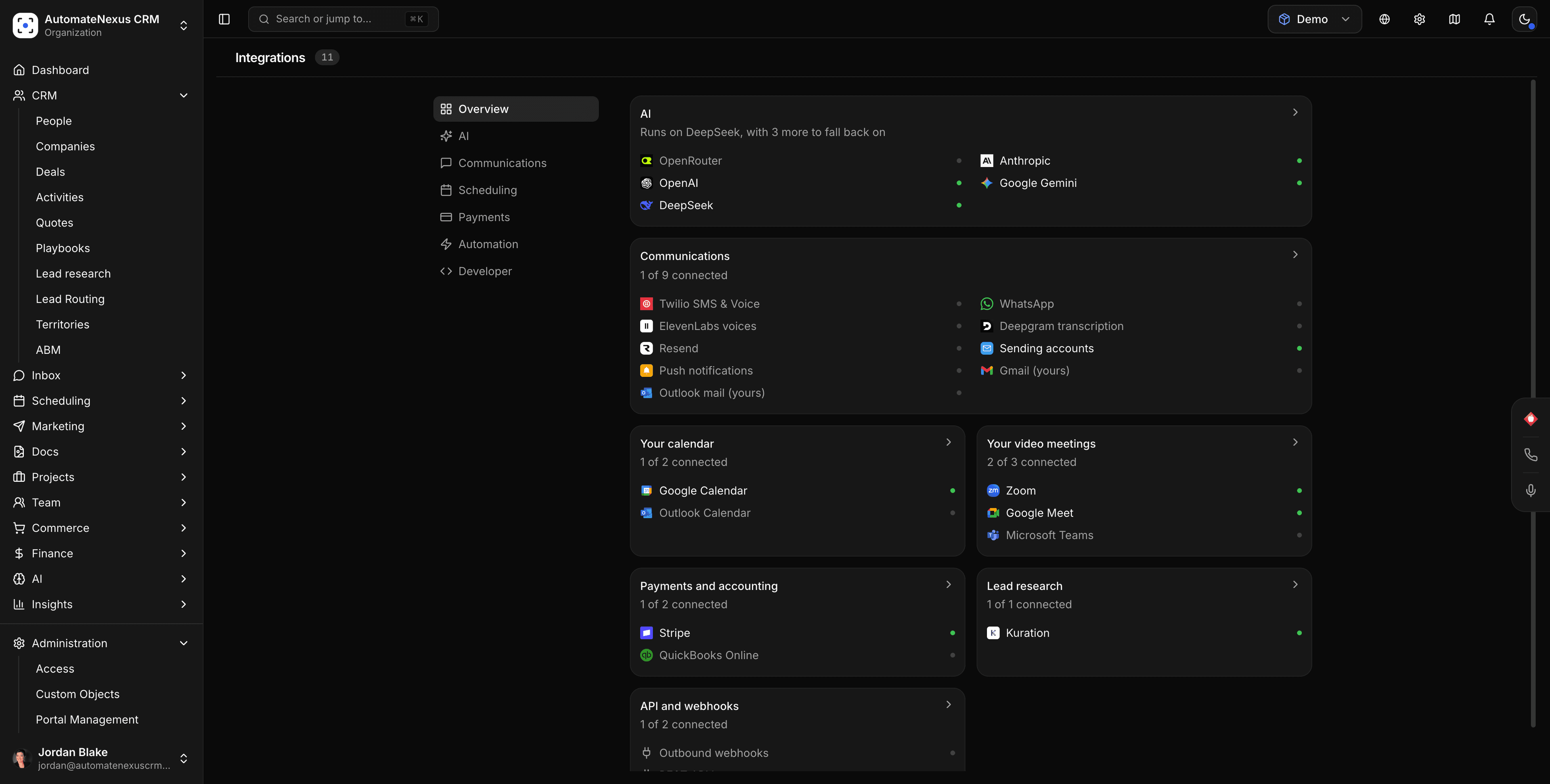
What you can do
Google Business Profile, wired into your pipeline.
- 01
Publish to Google Business Profile from one queue
Plan, schedule, and publish alongside every other channel.
- 02
A Social agent that drafts
Posts drafted from your CRM context, waiting for approval.
- 03
Inbox and results
Replies and engagement come back to the social inbox and analytics.
How it works
Connected in three steps.
- Step 01
Connect Google Business Profile
Authorize the account with OAuth under Social → Accounts.
- Step 02
Build the queue
Draft or let the Social agent draft, then schedule.
- Step 03
Track results
Engagement and replies land in the social inbox.
Under the hood
Built to be left alone.
Native connector
Google Business Profile is connected with OAuth and maintained by us.
Automations
Google Business Profile activity can trigger agents and automations the moment it happens.
No code
Authorize, choose defaults, and go — no developer required.
Your turn
Put Google Business Profile to work.
Start your 7-day free trial and connect Google Business Profile on day one. No credit card, no middleware.