Meetings
Jitsi Meet + AutomateNexus CRM
Free, open-source video calls from any record.

What you can do
Jitsi Meet, wired into your pipeline.
- 01
Schedule Jitsi Meet from any record
Create the meeting from a contact, deal, or chat thread and the link goes out with the invite.
- 02
On the timeline
Meetings link to the deal and contact, with notes and follow-ups attached.
- 03
Follow-ups drafted
Karrie turns your notes into the next email or task for approval.
How it works
Connected in three steps.
- Step 01
Enable Jitsi Meet
Settings → Integrations → Meetings.
- Step 02
Make it a default
Choose which provider new meetings use per team or per user.
- Step 03
Schedule
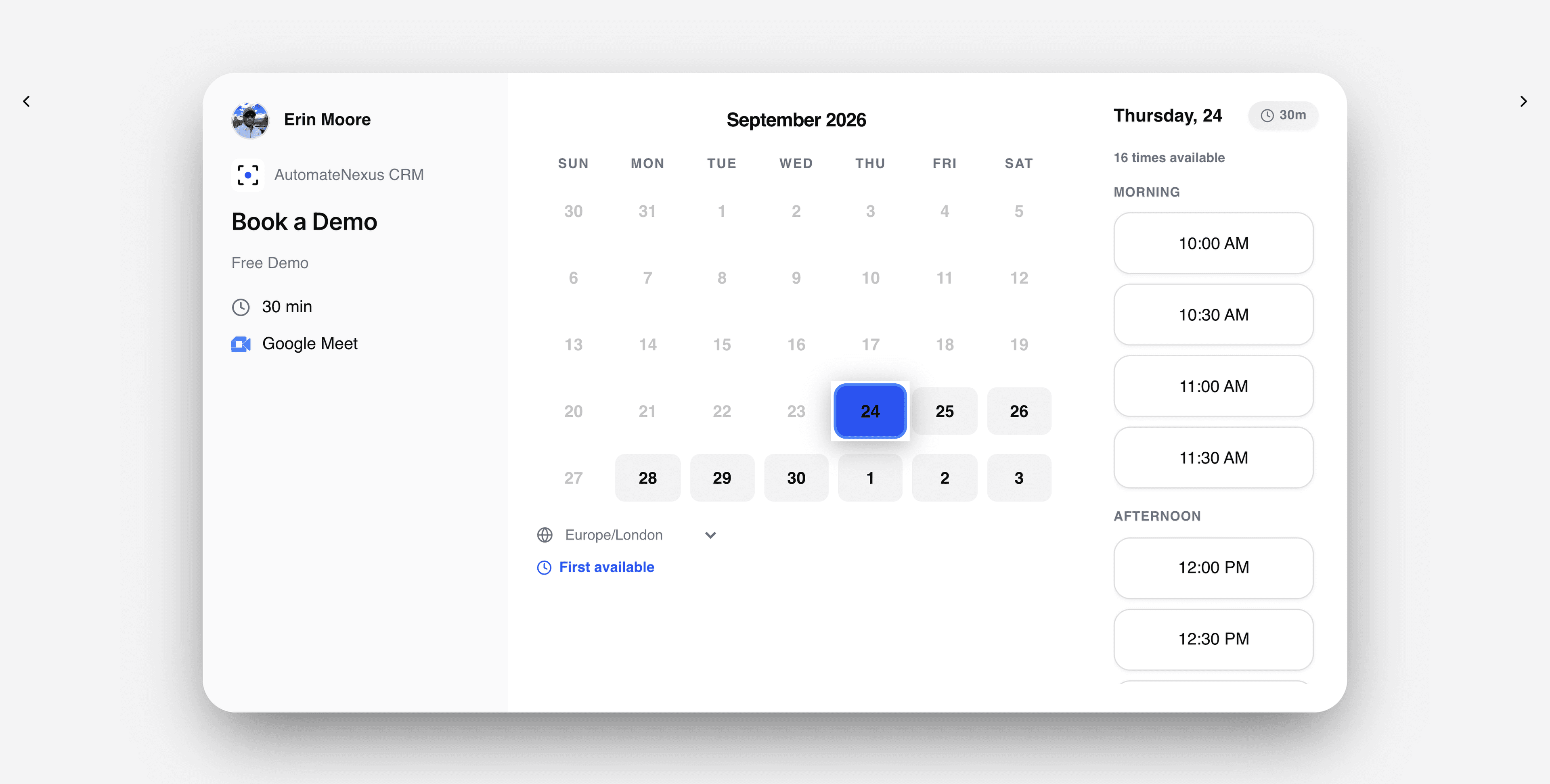
From the record, from chat, or from a booking page.
Under the hood
Built to be left alone.
Native connector
Jitsi Meet is connected with OAuth and maintained by us.
Automations
Jitsi Meet activity can trigger agents and automations the moment it happens.
No code
Authorize, choose defaults, and go — no developer required.
Your turn
Put Jitsi Meet to work.
Start your 7-day free trial and connect Jitsi Meet on day one. No credit card, no middleware.