Calendar
Cal.com + AutomateNexus CRM
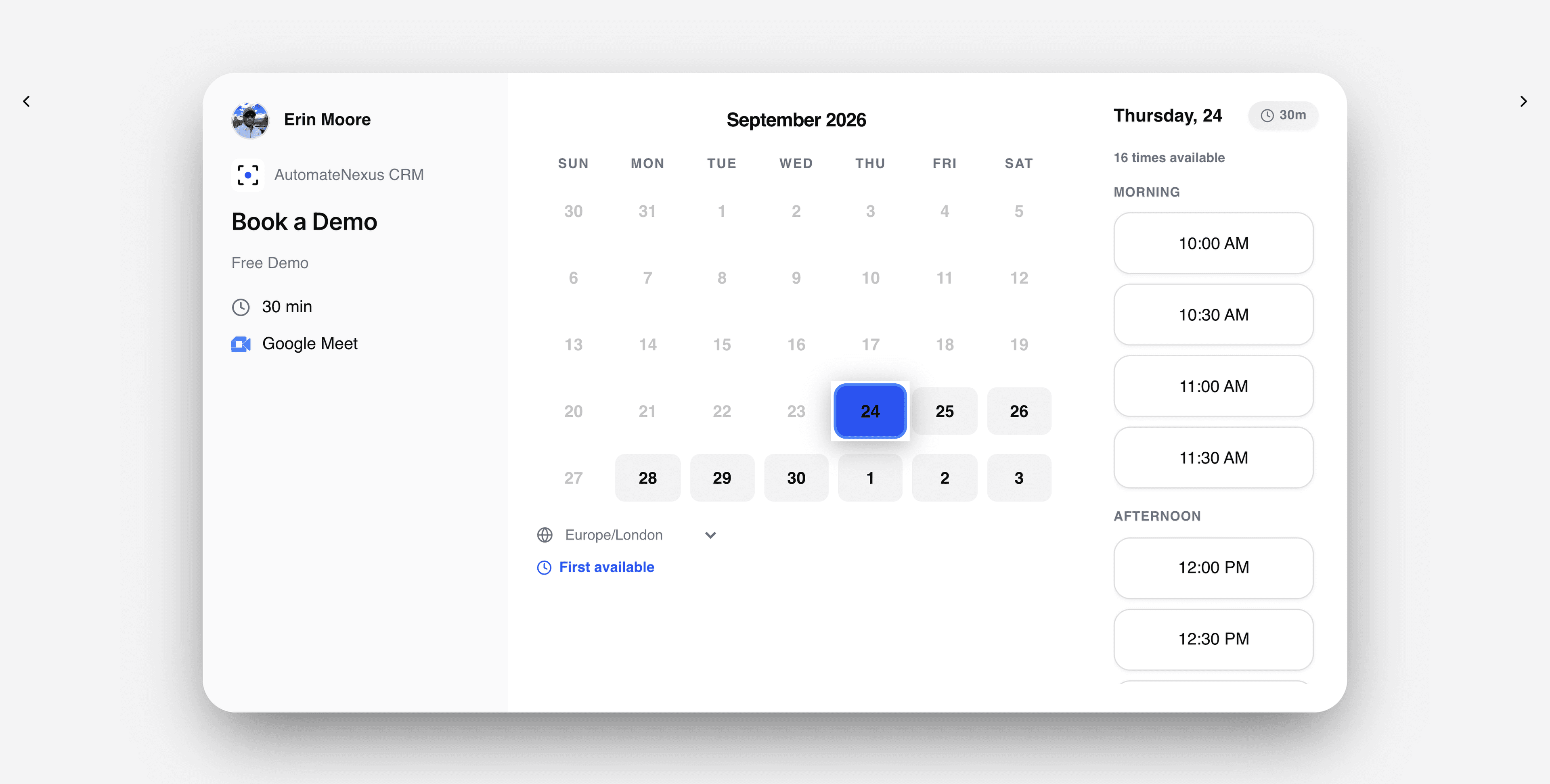
Cal.com bookings land on the right contact.

What you can do
Cal.com, wired into your pipeline.
- 01
Two-way sync
Meetings stay identical across Cal.com and the CRM.
- 02
Scheduler-owned
The Scheduler agent books, reschedules, and prevents conflicts.
- 03
Context on every event
Each meeting links to the deal and contact it belongs to.
How it works
Connected in three steps.
- Step 01
Connect Cal.com
Authorize with one click, or enter the CalDAV details for the account.
- Step 02
Choose the calendars
Pick which calendars feed availability and where bookings land.
- Step 03
Share a booking link
Slots come from real availability, in your organisation's time zone.
Under the hood
Built to be left alone.
Two-way sync
Changes on either side reconcile in real time. No stale records, no duplicates.
Webhooks
Cal.com events can trigger agents and automations the moment they fire.
No code
Authorize, map, and go live in minutes — no developer required.
Your turn
Put Cal.com to work.
Start your 7-day free trial and connect Cal.com on day one. No credit card, no middleware.