Email marketing
Mailchimp + AutomateNexus CRM
Sync CRM contacts to audiences and engagement back.
What you can do
Mailchimp, wired into your pipeline.
- 01
Contacts to audiences
Sync CRM contacts to Mailchimp lists and segment by CRM data.
- 02
Engagement back on the record
Opens and clicks come back to the contact so scoring reflects them.
- 03
Documented setup
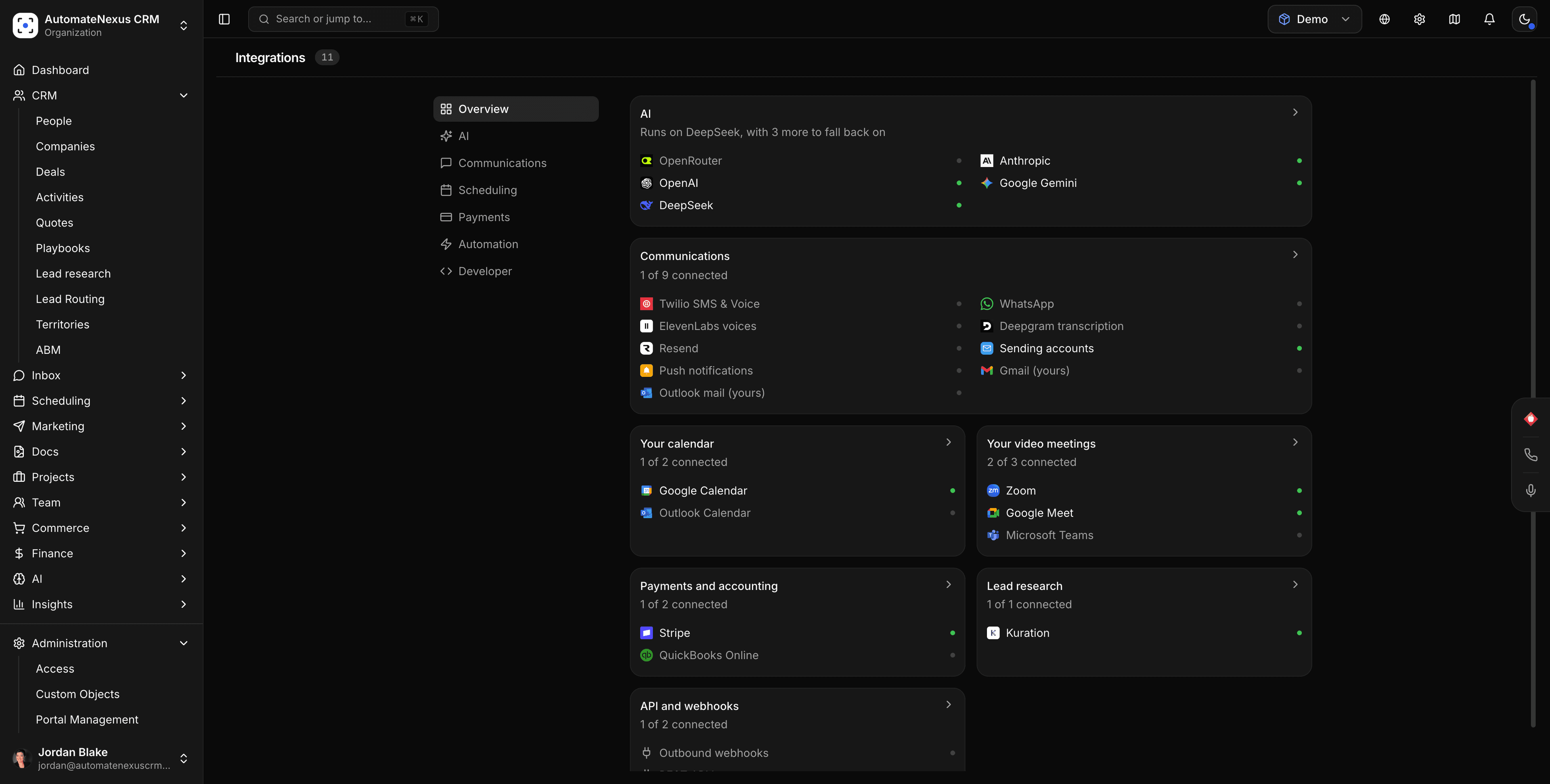
A step-by-step guide lives in the app's integrations directory.
How it works
Connected in three steps.
- Step 01
Follow the guide
Settings → Integrations → Mailchimp opens the setup walkthrough.
- Step 02
Choose the audience
Pick which list receives which CRM segment.
- Step 03
Sync
Contacts flow to Mailchimp; engagement flows back.
Under the hood
Built to be left alone.
Two-way sync
Changes on either side reconcile in real time. No stale records, no duplicates.
Webhooks
Mailchimp events can trigger agents and automations the moment they fire.
No code
Authorize, map, and go live in minutes — no developer required.
Your turn
Put Mailchimp to work.
Start your 7-day free trial and connect Mailchimp on day one. No credit card, no middleware.