Email marketing
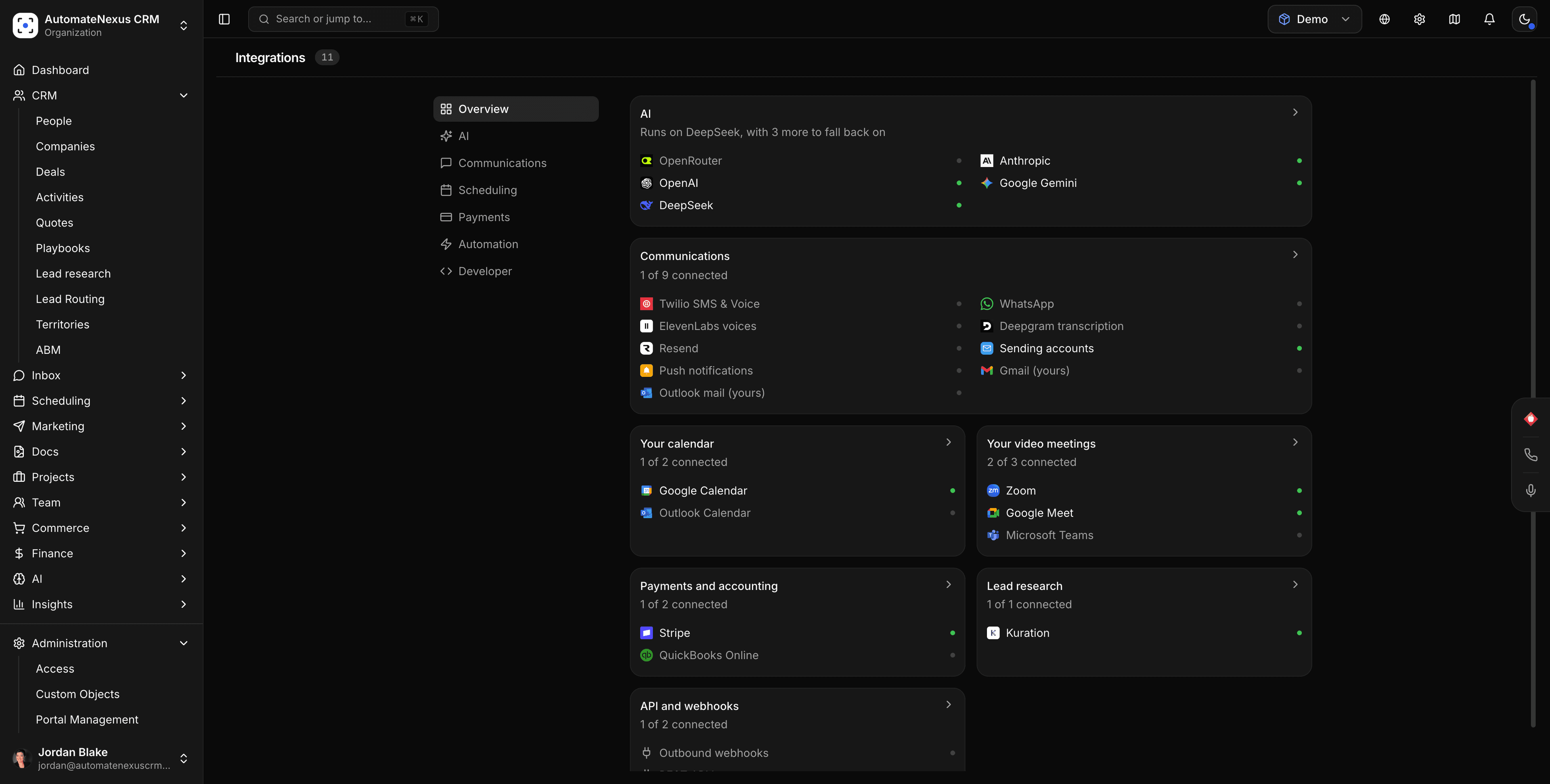
Resend + AutomateNexus CRM
Send CRM email and campaigns through Resend.

What you can do
Resend, wired into your pipeline.
- 01
Campaigns through Resend
Build the email in the campaign editor and deliver it through your own sending account.
- 02
Segments from CRM data
Target by tag, stage, score, or any field — no list exports.
- 03
Engagement on the record
Opens, clicks, bounces, and unsubscribes write back to each contact.
How it works
Connected in three steps.
- Step 01
Add your Resend credentials
API key or SMTP details, encrypted at rest.
- Step 02
Verify the sending domain
Add the DNS records the provider issues so mail lands in the inbox.
- Step 03
Send a campaign
Pick a segment, schedule it, and watch results per contact.
Under the hood
Built to be left alone.
Two-way sync
Changes on either side reconcile in real time. No stale records, no duplicates.
Webhooks
Resend events can trigger agents and automations the moment they fire.
No code
Authorize, map, and go live in minutes — no developer required.
Your turn
Put Resend to work.
Start your 7-day free trial and connect Resend on day one. No credit card, no middleware.