Zoho Mail + AutomateNexus CRM
Two-way sync for Zoho Mail accounts.
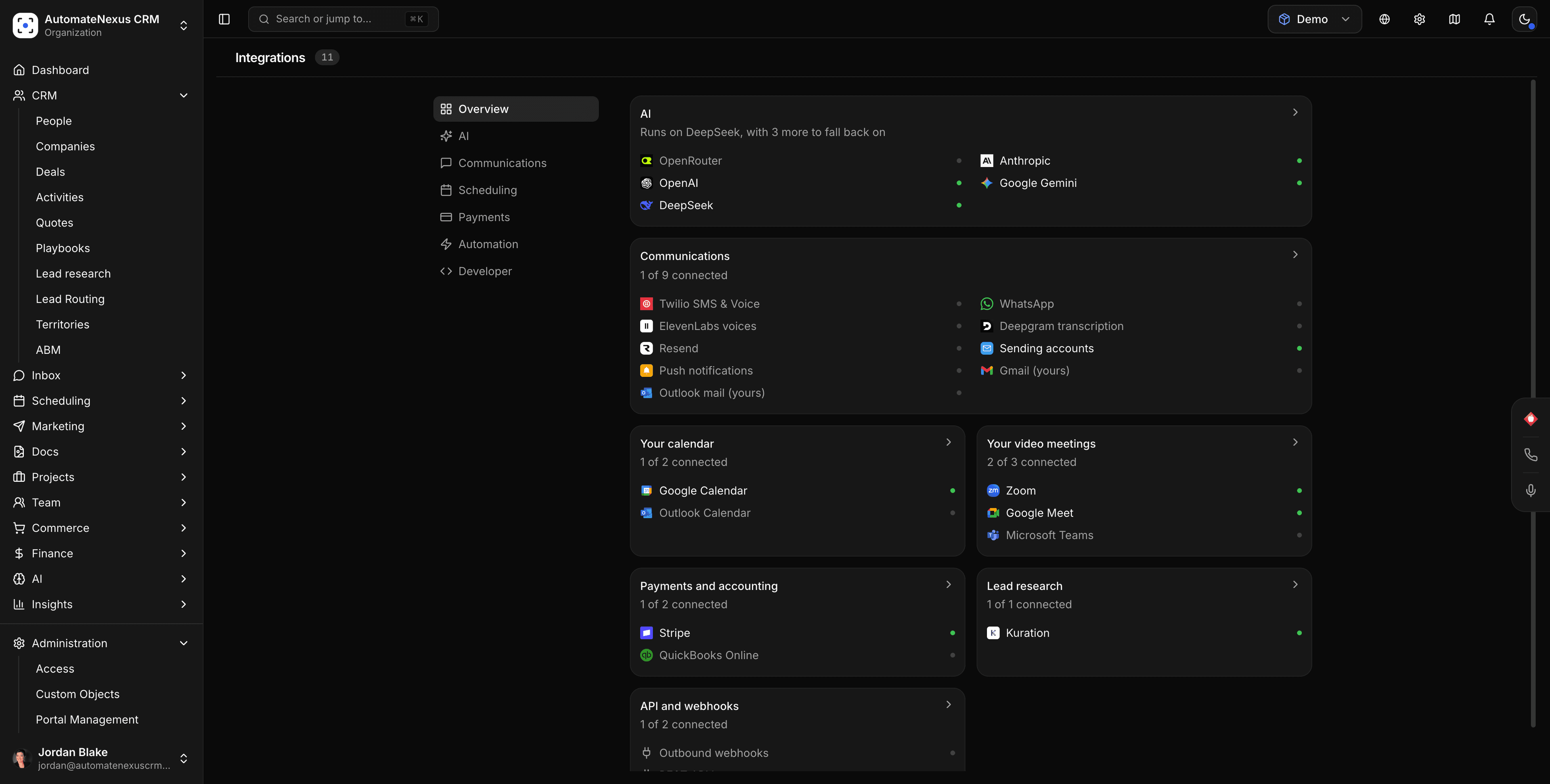
Zoho Mail, wired into your pipeline.
- 01
Send and receive from Zoho Mail
One-to-one email goes out from your own address and replies thread back onto the contact's timeline.
- 02
Drafts from Karrie
Follow-ups and replies are drafted in your tone and wait for approval before they send.
- 03
Tracked, on the record
Opens, clicks, and replies log to the contact and the deal.
Connected in three steps.
- Step 01
Connect Zoho Mail
Sign in with OAuth where the provider offers it, or use the IMAP/SMTP preset with an app password.
- Step 02
Choose what syncs
Pick folders and how far back to import; existing threads match to contacts.
- Step 03
Start sending
Compose from any record, or let sequences run through the account.
Built to be left alone.
Two-way sync
Changes on either side reconcile in real time. No stale records, no duplicates.
Webhooks
Zoho Mail events can trigger agents and automations the moment they fire.
No code
Authorize, map, and go live in minutes — no developer required.
Put Zoho Mail to work.
Start your 7-day free trial and connect Zoho Mail on day one. No credit card, no middleware.