Payments
Worldpay + AutomateNexus CRM
Bookings and store orders paid on a Worldpay payment page.

Worldpay, wired into your pipeline.
- 01
Bookings and store orders through Worldpay
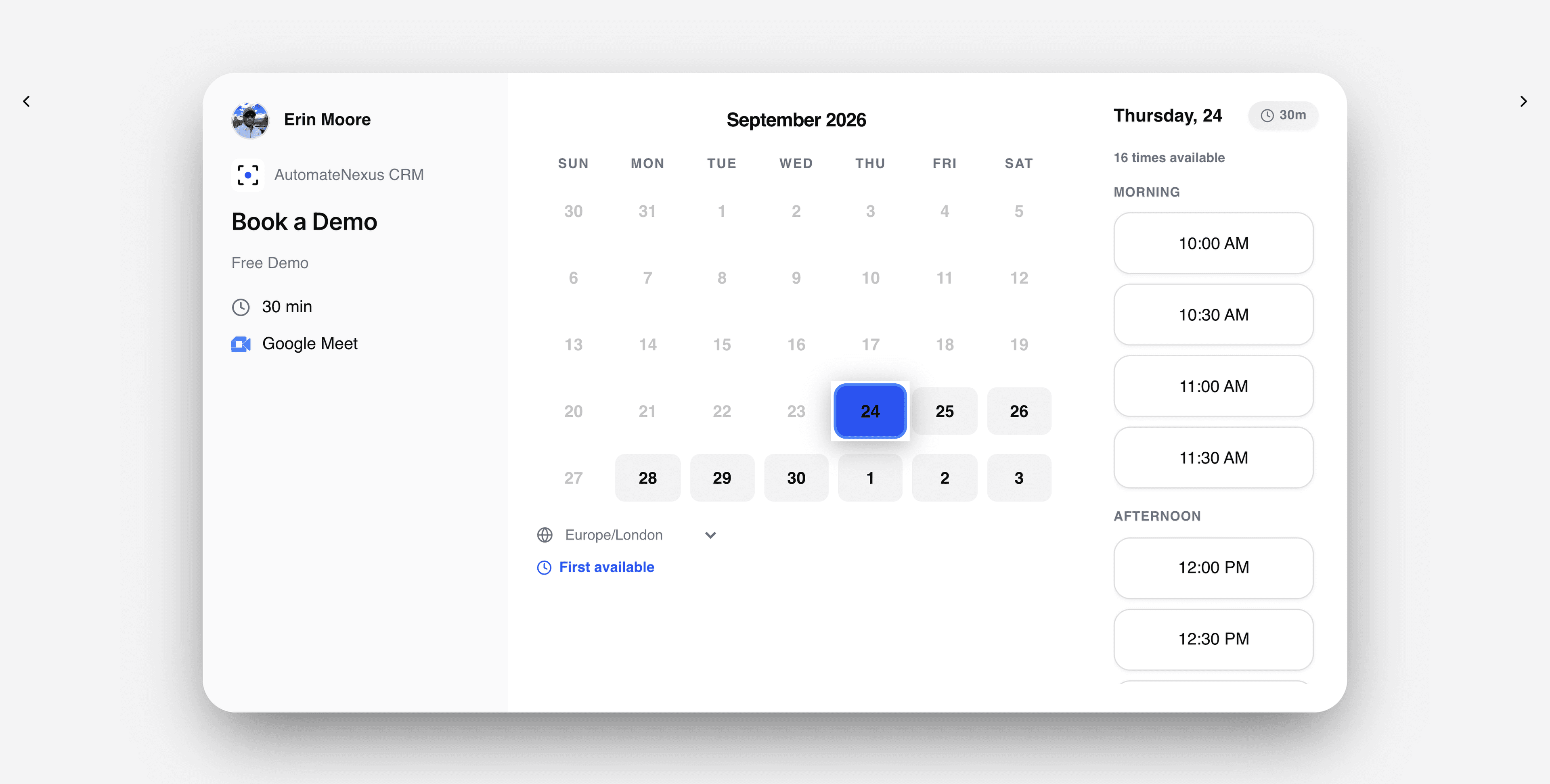
When a booking or a store order needs payment, the payer goes to a Worldpay payment page made for it.
- 02
Confirmed with Worldpay
The CRM checks with Worldpay that the payment went through before it marks the booking or order paid, even when the payer paid on an earlier page.
- 03
Built on Access Worldpay
It signs in the way Access Worldpay does, with your username, password and merchant entity.
Connected in three steps.
- Step 01
Add your Access Worldpay details
Settings → Integrations → Payments → Worldpay → Set up: the username, password and merchant entity Worldpay gave you for Access Worldpay, and the environment, test or live. The password is encrypted when saved and not shown again.
- Step 02
Make it the default
Paid bookings and store orders open your default processor. With more than one switched on, choose Make default on Worldpay's card.
- Step 03
Price bookings, or name it on products
Give a booking type a price, with a deposit as a percentage or a set amount if you want one. In the store, a product's Payment Processor can name Worldpay, and the checkout says which processor is paying.
Built to be left alone.
Your keys, encrypted
Secrets are encrypted when saved and never shown again. Change credentials on Worldpay's card replaces them.
Checked before it counts
A booking or order is marked paid only after the CRM asks Worldpay itself, so a stray or repeated notice cannot mark it paid.
Disconnect any time
Disconnecting removes the saved keys, and bookings and store orders stop opening Worldpay. Payments already taken are not touched.
Worldpay and AutomateNexus CRM, answered.
With your Access Worldpay username, password and merchant entity, saved under Settings → Integrations → Payments → Worldpay (the same card is under Finance → Payment Processors). Choose test to try a booking first.
Paid bookings (the full price or a deposit, with tax when you set a rate) and store orders. Invoices and payment forms are paid through Stripe, which you can connect alongside Worldpay.
Your refund setting decides: a full refund, half, none, or you decide each time. With a full or half refund set, the CRM tells you the amount for a Worldpay payment, and you refund it in Worldpay.
Put Worldpay to work.
Start your 7-day free trial and connect Worldpay on day one. No credit card, no middleware.