App backends
Appwrite + AutomateNexus CRM
An app you make in Build keeps its data in Appwrite, on Appwrite Cloud or on your own Appwrite server, and can be hosted on Appwrite Sites.

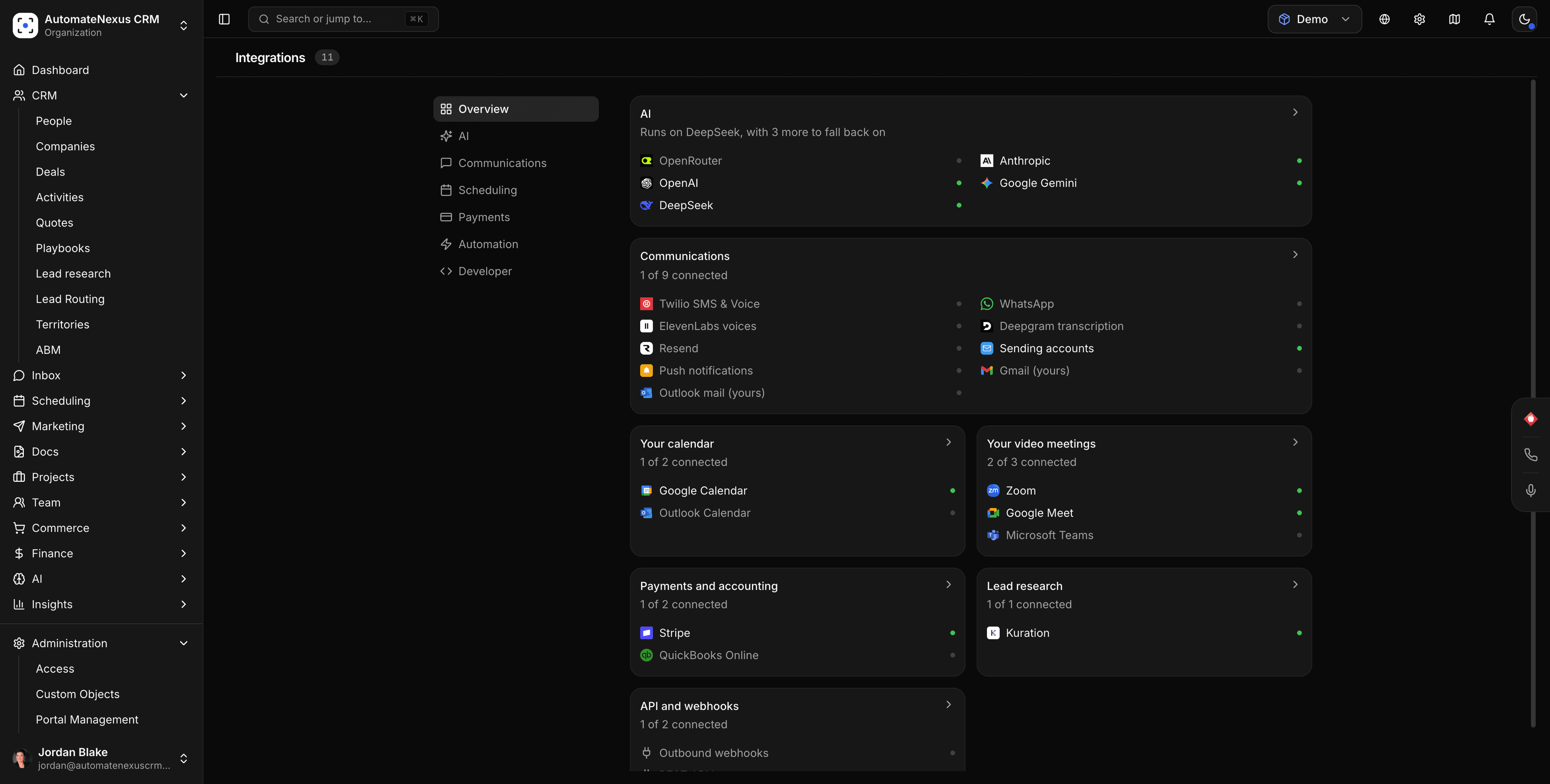
Appwrite, wired into your pipeline.
- 01
Appwrite Cloud or your own server
Sign in with Appwrite Cloud, or connect your own Appwrite server with its address and a project key. The screen lists exactly which permissions to tick for the key.
- 02
Your tables and permissions
The app's tables, columns and permissions live in your Appwrite project, with its server functions beside them.
- 03
Still part of your CRM
Sign-ups, orders and form entries in the app still create contacts in AutomateNexus CRM and start your workflows, just as they do on the built-in backend.
Connected in three steps.
- Step 01
Open the app's Backend tab
In Build, open the app and go to its Backend tab. An owner or admin chooses to connect Appwrite.
- Step 02
Sign in, or add your server
On Appwrite Cloud, sign in with Appwrite. On your own server, enter its address and a project key with the permissions the screen lists.
- Step 03
Choose where the app is hosted
Keep the app where it is, or host it on Appwrite Sites if you prefer. Its data is in your Appwrite project either way.
Built to be left alone.
Cloud or self-hosted
The same app works on Appwrite Cloud and on an Appwrite server you run yourself.
Only the permissions it needs
For your own server, the screen names each permission the project key needs, so you never give more than that.
Hosting is up to you
Appwrite Sites is there if you want the app hosted alongside its data. It is never required.
Appwrite and AutomateNexus CRM, answered.
Yes. On an app's Backend tab in Build, connect Appwrite Cloud with a sign-in or your own Appwrite server with its address and a project key. The app's tables, columns, permissions and server functions then live in your Appwrite project.
Yes. Enter your server's address and a project key; the screen lists exactly which permissions the key needs.
No. Hosting on Appwrite Sites is optional; the app keeps its data in Appwrite either way.
Yes. Sign-ups, orders and form entries in the app still create contacts in AutomateNexus CRM and start your workflows.
Put Appwrite to work.
Start your 7-day free trial and connect Appwrite on day one. No credit card, no middleware.