App backends
Supabase + AutomateNexus CRM
An app you make in Build keeps its data in your own Supabase project, with every change to its database approved by you first.

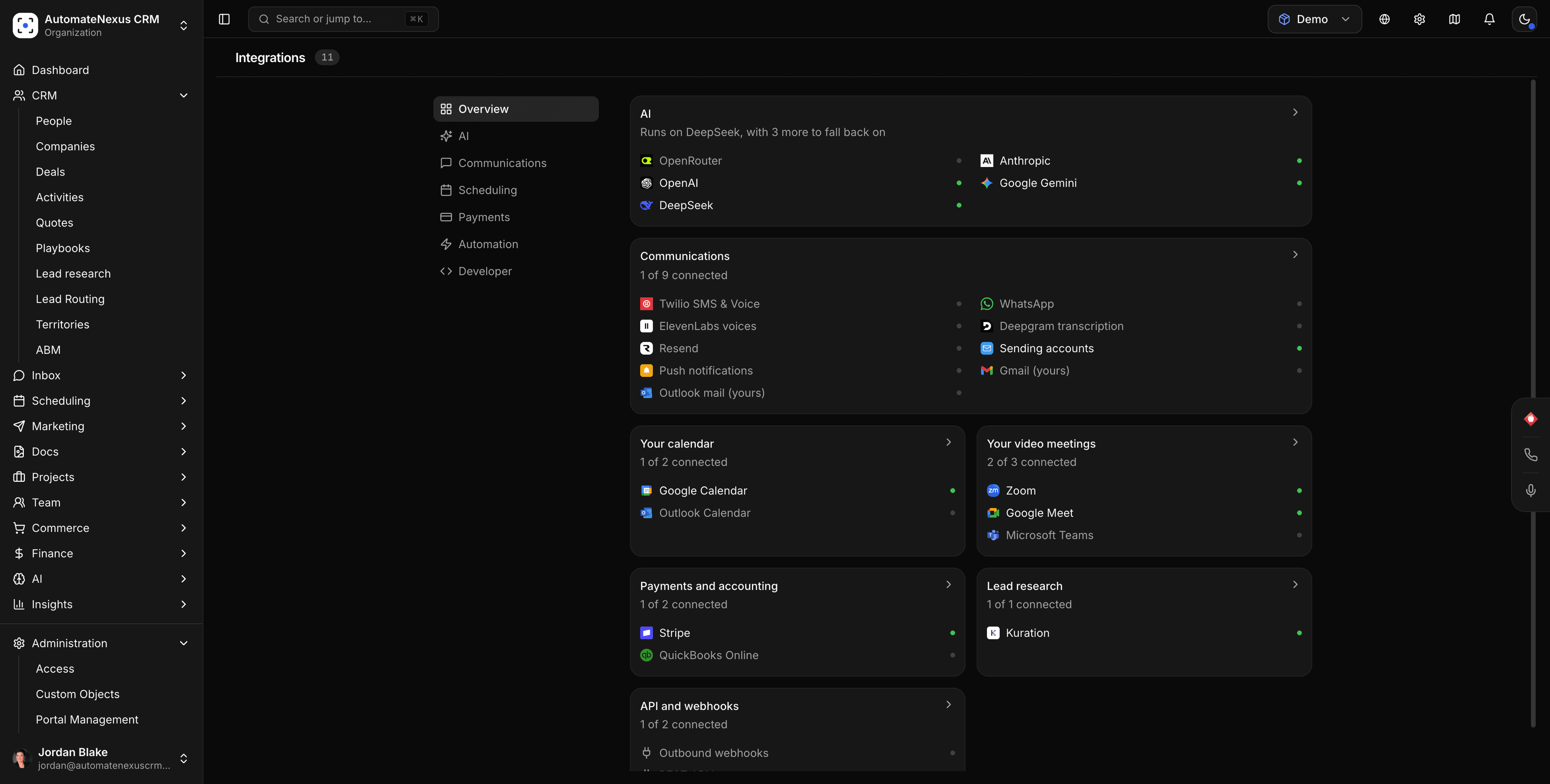
Supabase, wired into your pipeline.
- 01
Your project, your data
An app you make in Build can keep its tables, sign-ins, files and server functions in your own Supabase project instead of the built-in backend. Pick a project you already have or make a new one; it goes on your own Supabase bill.
- 02
Every change approved first
Each change to your database is a numbered change file you approve before it runs, and it is kept with the app's code. Edits made by hand in Supabase are checked before every change, and a security check runs after each one.
- 03
Still part of your CRM
Sign-ups, new rows, orders and form entries in the app still create contacts in AutomateNexus CRM and start your workflows, just as they do on the built-in backend.
Connected in three steps.
- Step 01
Open the app's Backend tab
In Build, open the app and go to its Backend tab. An owner or admin chooses Connect Supabase.
- Step 02
Sign in with Supabase
Sign in with your Supabase account and allow the AutomateNexus CRM app. Nothing to copy or paste.
- Step 03
Pick or make a project
Choose one of your projects, or make a new one: pick the organisation, a name and a region. Each app gets a project of its own, so two apps never overwrite each other's tables.
Built to be left alone.
The AI never gets your database
The assistant that builds your app writes each change for you to approve. It is never given direct access to your database.
Private keys stay private
The app only ever uses your project's public key. Its private keys are kept encrypted on our servers.
Leave when you like
Disconnect and the app goes back to the built-in backend. Your tables, people and files stay in your Supabase project.
Everything about the backend, in one place.
Sign-in settings
See how people sign in to the app on the Backend tab, and change it by asking in the chat.
Secrets and server functions
Owners and admins add and remove the secrets your server functions use; we never keep or show their values. Each server function shows as code and as it runs, and only the exact code on the approval card goes live.
Logs
The last hour of logs for requests, sign-ins, the database, server functions and files, without leaving the CRM.
Supabase and AutomateNexus CRM, answered.
Yes, for the apps you make in Build. On an app's Backend tab, choose Connect Supabase, sign in with Supabase and pick one of your projects or make a new one. The app's data then lives in your project.
You do, on your own Supabase plan. A new project is made in the Supabase organisation you choose and goes on its bill.
No. Every change is a numbered change file you approve first, and the assistant never gets direct access to your database. A security check runs after each change.
Yes. Sign-ups, new rows, orders and form entries in the app still create contacts in AutomateNexus CRM and start your workflows.
Yes. Choose Disconnect on the Backend tab and the app goes back to the built-in backend. Your data stays in your Supabase project and is not copied back.
Put Supabase to work.
Start your 7-day free trial and connect Supabase on day one. No credit card, no middleware.