How Lead Routing Works#
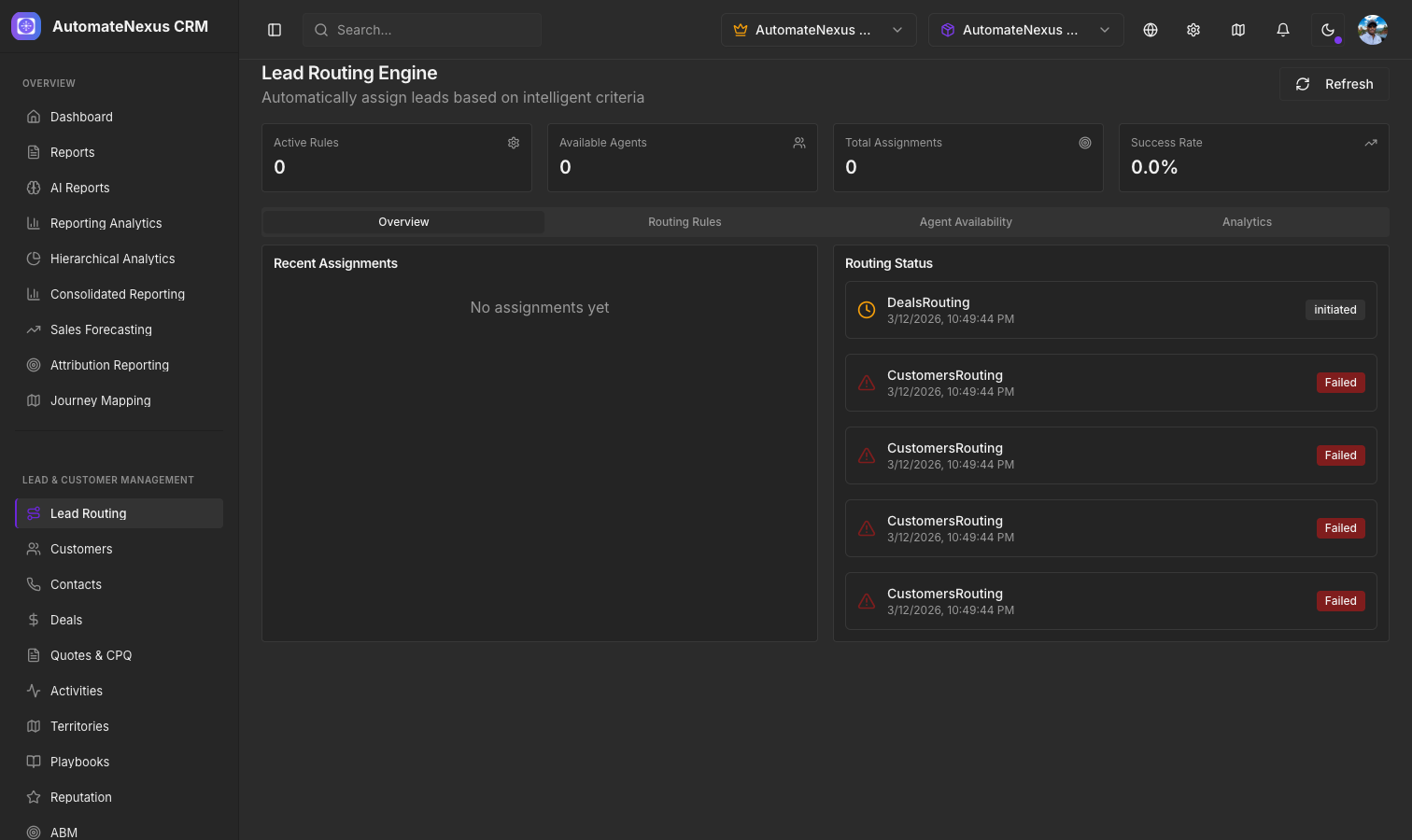
Lead routing automatically assigns incoming leads to the appropriate sales representative based on rules you define. This ensures no lead falls through the cracks and every prospect gets timely follow-up. You will find it under CRM → Lead Routing in the sidebar, with four tabs: Routing rules, Agents, Activity and Analytics.
Routing Methods#
AutomateNexus CRM supports several assignment methods, chosen per rule:
- Round Robin — Distributes leads evenly across your available agents in rotation
- Load Balanced — Balances leads across available agents according to their capacity
- By Specialization — Sends leads to agents with the required specialization (e.g. Enterprise Sales, SaaS)
- By Territory — Routes leads by the rule's territory condition (see Territory Management)
Setting Up Routing Rules#
Navigate to CRM → Lead Routing and open the Routing rules tab to configure your rules:
- Click Add Rule
- Give the rule a Rule Name and an optional Description
- Set the Priority from 1 to 10 (lower numbers are evaluated first) and leave Active switched on
- Define the conditions: a minimum and maximum deal value, a Territory (e.g. North America, EMEA), and a Lead Source (Website, Referral, Social Media, Email Campaign, Trade Show or Cold Call)
- Choose the Assignment Method and, for specialization routing, the Required Specialization
- Click Create Rule
Rules can be searched, edited and deleted from the same tab. The Agents tab lists your team with their experience level, specializations, capacity and status: switch an agent's availability on or off, and use the edit button to set their title, specializations and experience level (Junior, Senior, Expert or Manager). Only available agents receive leads.
Lead Scoring#
Lead scoring assigns a numerical value to each lead based on their attributes and behavior. Higher scores indicate leads more likely to convert. Karrie, the AI assistant, scores every lead and prospect the moment it arrives and again on every engagement signal. The score combines:
- Fit — Who the lead is: a business email address, a phone number on file, seniority, company, company size and industry, and matches against your own keywords and disqualifiers
- Intent — What the lead did: the lead source, buying language, form submissions, page visits, email opens, clicks and replies, meetings booked and logged activity
- Engagement recency — Each new signal rescores the lead, so recent interactions move the score
Open a lead from CRM → People and choose Open in Contacts to see the Insights tab, which shows the current score, the fit and intent split, the factors behind it, and how the score has moved; Rescore recalculates it on demand. Admins configure scoring under Settings → Notifications in the Daily brief and lead scoring card: switch scoring on or off, choose the score at which a lead counts as hot (the lead's owner is notified, or the admins when it has none), and decide whether Karrie drafts a follow-up email for hot leads. Drafts are queued under AI → Agent Approvals and nothing is sent without an approval.
Auto-Assignment#
When a lead meets your routing criteria, AutomateNexus CRM automatically:
- Evaluates the lead against all active routing rules, in priority order
- Assigns the lead to the matched agent using the rule's assignment method
- Records the assignment and writes an entry to the routing log
You can view routing activity and performance from the cards at the top of the Lead Routing page (Active rules, Available agents, Assignments, Routing success), the Activity tab (recent assignments and the routing log) and the Analytics tab (breakdown by agent and method).