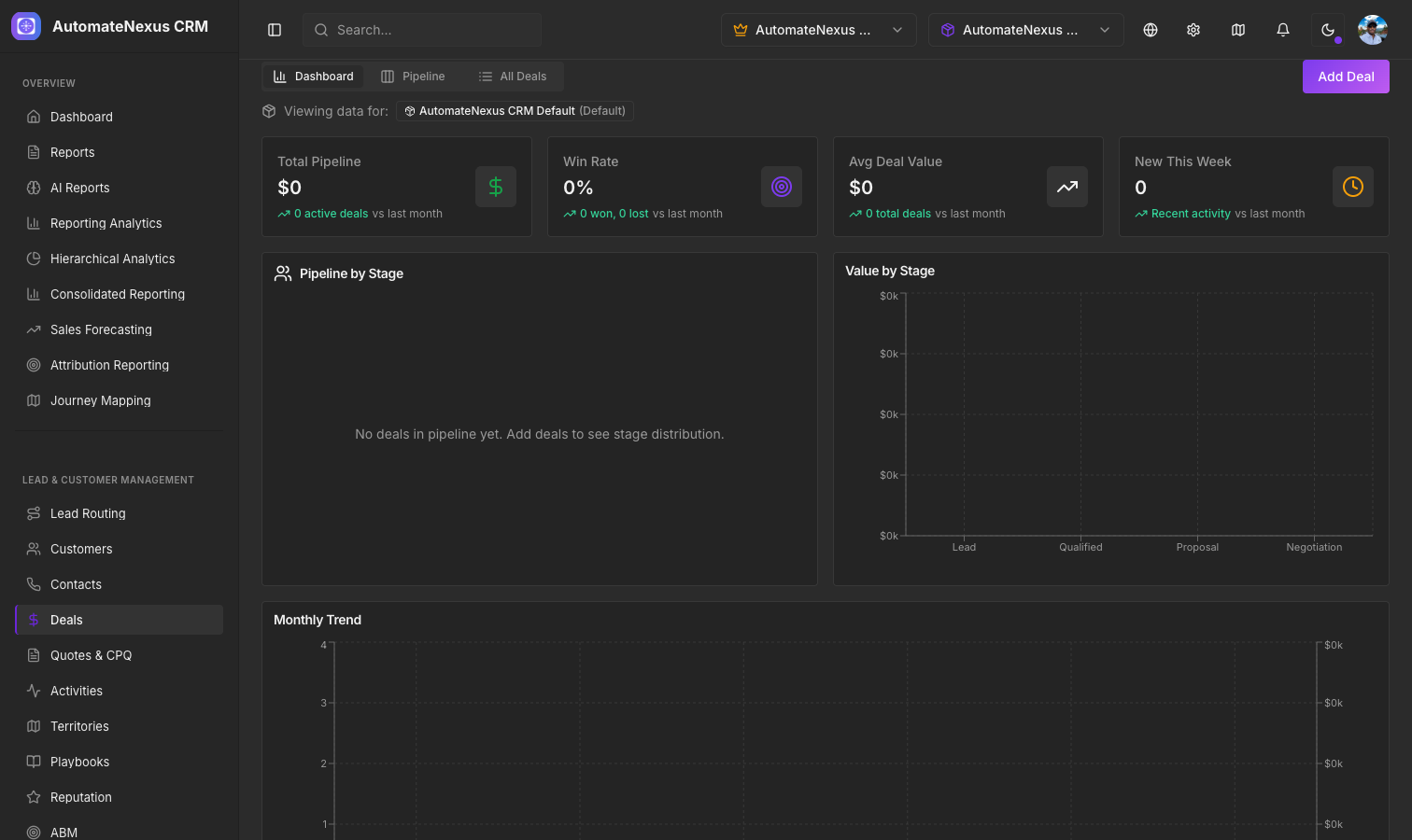
The Kanban Pipeline#
The Visual Deal Pipeline is a drag-and-drop Kanban board that gives you a complete view of your sales process. Open it from CRM → Deals: the board is the Pipeline tab, next to All deals, Forecast and Insights. Each column represents a pipeline stage, and each card represents a deal. The filter above the board narrows it by owner, minimum and maximum value, and close date, and the arrow in a column header collapses a stage you do not need to see.
Pipeline Stages#
Stages are fully customizable and database-backed. The default stages are:
- Lead — Initial contact, 10% win probability
- Qualified — Lead has been qualified as a potential opportunity, 25%
- Proposal — A proposal or quote has been sent, 50%
- Negotiation — Terms are being negotiated, 75%
- Closed Won — Deal successfully closed, 100%
- Closed Lost — Deal did not close, 0%
Each stage has a configurable color, win probability percentage, and position. Click Stages above the board to open Manage pipeline stages, where you can rename, recolor and reorder stages, add or delete a stage, and set each stage's win probability. Deals use these stages everywhere: the board, the Forecast tab and the dashboard.
Deal Cards#
Each deal card on the board displays:
- Deal title and the customer it belongs to
- Deal value in the deal's currency
- Win probability, set from the stage's win probability when the deal moves
- Days in stage — How long the deal has been in its current stage; a deal that has sat too long is flagged as rotting
- Expected close date
- Owner avatar
Drag and Drop#
Move deals between stages by simply dragging a card from one column to another. When you drop a deal into a new stage, the change is saved immediately and the deal's probability is set to the new stage's win probability, so the weighted forecast follows. Dropping a deal into Closed Won or Closed Lost asks for an optional note on why. The pipeline summary updates to reflect the new totals.
Quick-Add Deals#
Each pipeline column has an inline quick-add form at the bottom. Click the + button to open it, enter the deal title and, optionally, a value, and click Add; the deal is created in that stage without opening a full form. For the full form, use + Deal in the page header, which asks for a deal title, value and stage and lets you fill in the rest on the deal record.
Weighted Pipeline Values#
Each stage column header shows two values:
- Total — Sum of all deal values in that stage
- Weighted — The same deals multiplied by their win probability (not shown for the two closed stages)
The summary line above the board shows the total pipeline, the weighted pipeline, the number of deals and, once you have closed deals, your win rate, giving you a realistic view of expected revenue.