Payment Collection#
A form built in AutomateNexus CRM can carry a payment field, so a registration, an order or a deposit is paid at the point of conversion: when the visitor submits the form they are sent to Stripe Checkout for the amount the field specifies, and the submission is marked paid once Stripe confirms it. Booking pages collect payment through their own settings; see Schedule & Booking.
Setting Up Payments#
To collect payment on a form:
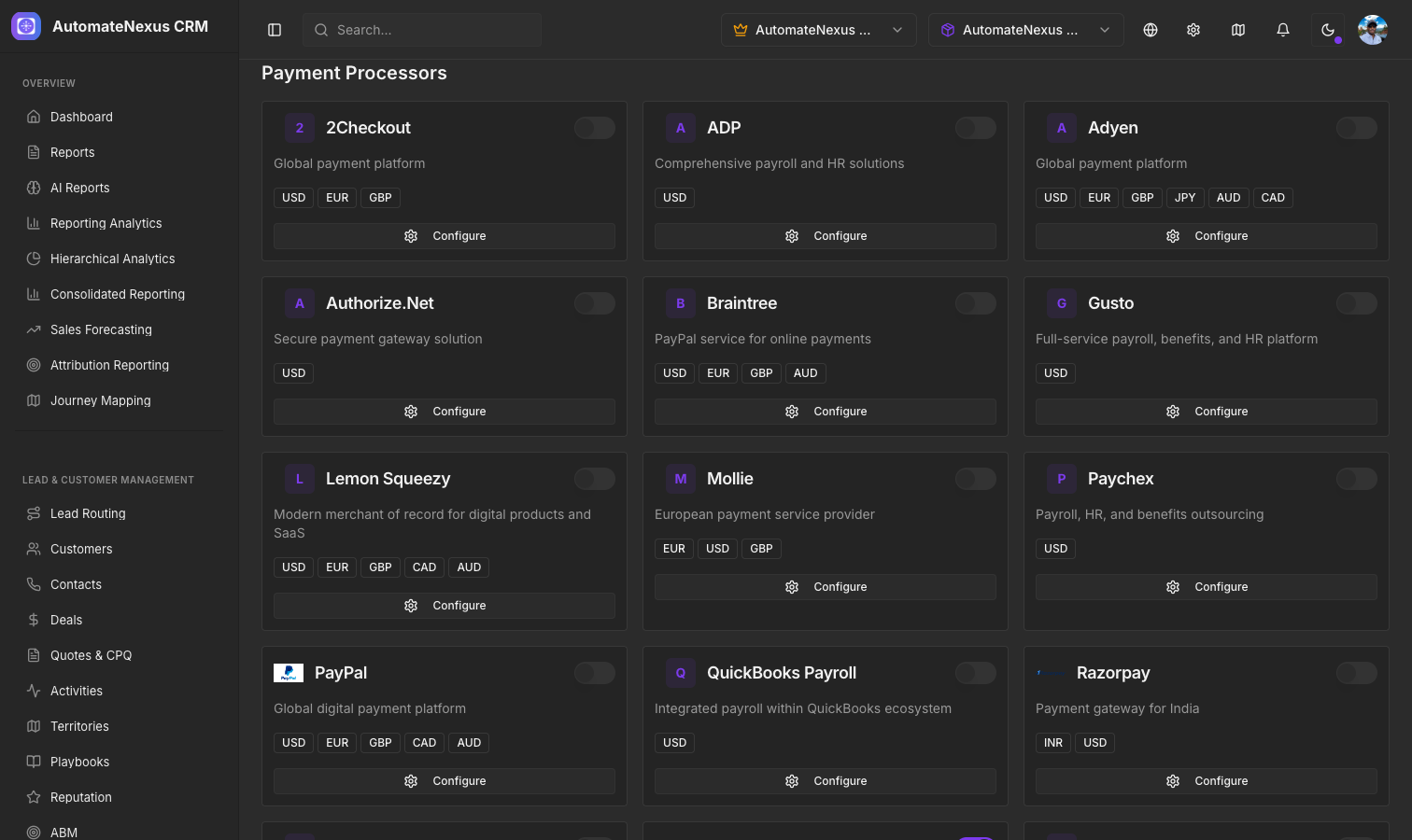
- Connect Stripe under Settings → Integrations → Payments: on the Stripe card, enter your Publishable Key and Secret Key, click Test Connection, then Save Settings
- Open the form in the form builder (Marketing → Forms) and select its payment field. Its settings appear in the inspector under Payment
- Set the Amount and the Currency, and a Description shown to payer such as "Deposit" or "Consultation fee"
- To let the visitor's own entry decide the price, switch on Allow custom amount and choose which field the Amount comes from: a number or currency field on the same form
The builder's preview of the field shows the amount and currency with the note "Collected securely via Stripe after submit".
Payment Types#
- One-Time Payments — A single payment collected through Stripe Checkout when the form is submitted. Ideal for product purchases, event registrations, deposits and consultation fees.
Recurring billing is not offered on form payment fields.
Currency Support#
Embedded payments support USD, EUR, GBP, CAD and AUD. Select the currency when configuring your payment field.
Payment Processing#
When a form with a payment field is submitted:
- The submission is saved and the amount is worked out on the server from the field's settings, never from the browser
- A Stripe Checkout session is created and the visitor is sent to Stripe to pay
- Stripe returns the visitor to the form, which checks the payment with Stripe and shows a confirmation, or a payment-pending notice if Stripe has not confirmed yet; a visitor who cancels sees the form again with a notice
- The submission's payment status is recorded once Stripe confirms the payment
If no Stripe integration is configured for your organization, the form still accepts the submission and skips the payment, and the owner's preview of the form says so.
Security#
All payment processing is handled by Stripe Checkout. Card details never touch the form or AutomateNexus CRM servers. Stripe handles PCI compliance, encryption and fraud detection.