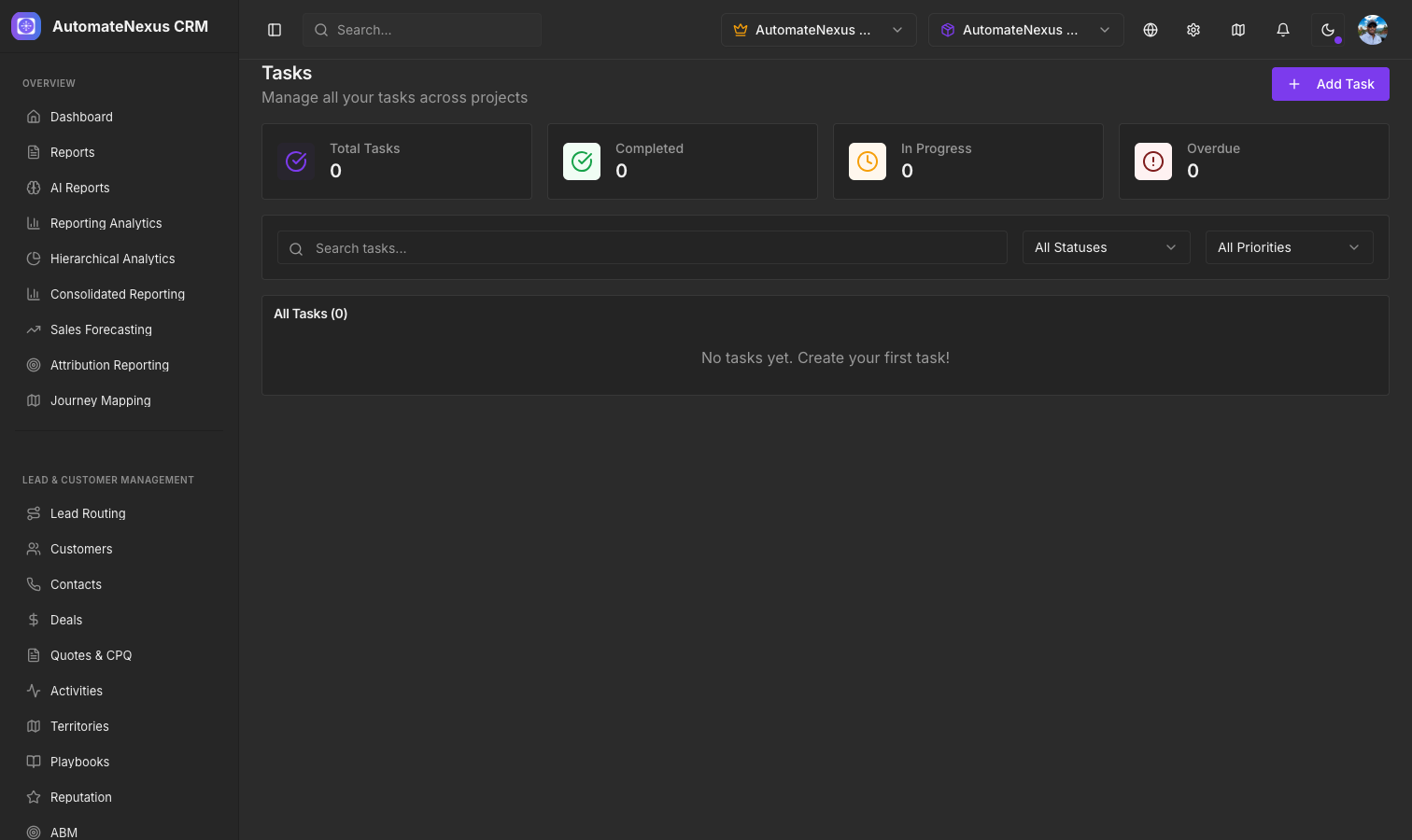
Task Management#
Tasks are the fundamental unit of work in AutomateNexus CRM. Create tasks from multiple places:
- The Tasks page (Projects → Tasks) for standalone tasks, with + New task and List, Board and Calendar views
- Within a project, on its Tasks tab, for project-related work
- Automatically, with the Create Task action in a workflow (Projects → Workflows) or in a Booking Workflow
Task Properties#
Each task includes:
- Title and description
- Assignee — The team member responsible
- Due date and priority (Low, Medium, High, Critical)
- Status (To Do, In Progress, In Review, Completed, Cancelled)
- Repeat (None, Daily, Weekly, Monthly)
- Project it belongs to
Opening a task also gives you its Subtasks, Dependencies, Comments, Files and Notes.
Task Delegation#
The Task Delegation Workflows page, at /projects/delegation, automates task assignment and workload balancing. Its tabs are Dashboard, Smart Assign, Rules, Templates, Escalation, Workload, History, Performance and Analytics. Assignment rules can be created from scratch or from the quick-start templates Load Balancing Assignment, Skill-Based Assignment, Priority-Based Assignment and Round Robin Assignment, and the Workload tab shows each team member's load at a glance.
Time Tracking#
Track time with the built-in tracker under Team → Time Tracking:
- Timer — The timer bar at the top of the page: note what you are working on, pick a project, a customer and a category, and start and stop it
- Manual entry — + Add entry logs time after the fact, with the date, entry type (Regular, Holiday, Sick, Vacation or Personal), the customer to bill, the retainer to draw against, the project for budget purposes, and clock-in, clock-out and break times
- Timesheet — A weekly timesheet view
- Reports — Total hours, billable hours, utilisation and average per day for the last 7, 14, 30 or 90 days, with hours by customer, hours by person, the billable split and daily hours; entries can be exported as CSV
The page's other tabs — Budgets, Capacity, Retainers and Leave — carry billable time into project budgets and retainer balances and handle leave requests.
Workflows#
Automate repetitive processes with the workflow builder under Projects → Workflows:
- Define triggers (Deal Stage Changed, Form Submitted, Record Created or Updated, Schedule, Date Approaching and more)
- Set actions (Send Email, Send SMS, Create Task, Update Record, Log Activity, Webhook and more)
- Chain steps together with waits and If / Else branches
- Use workflow templates for common patterns