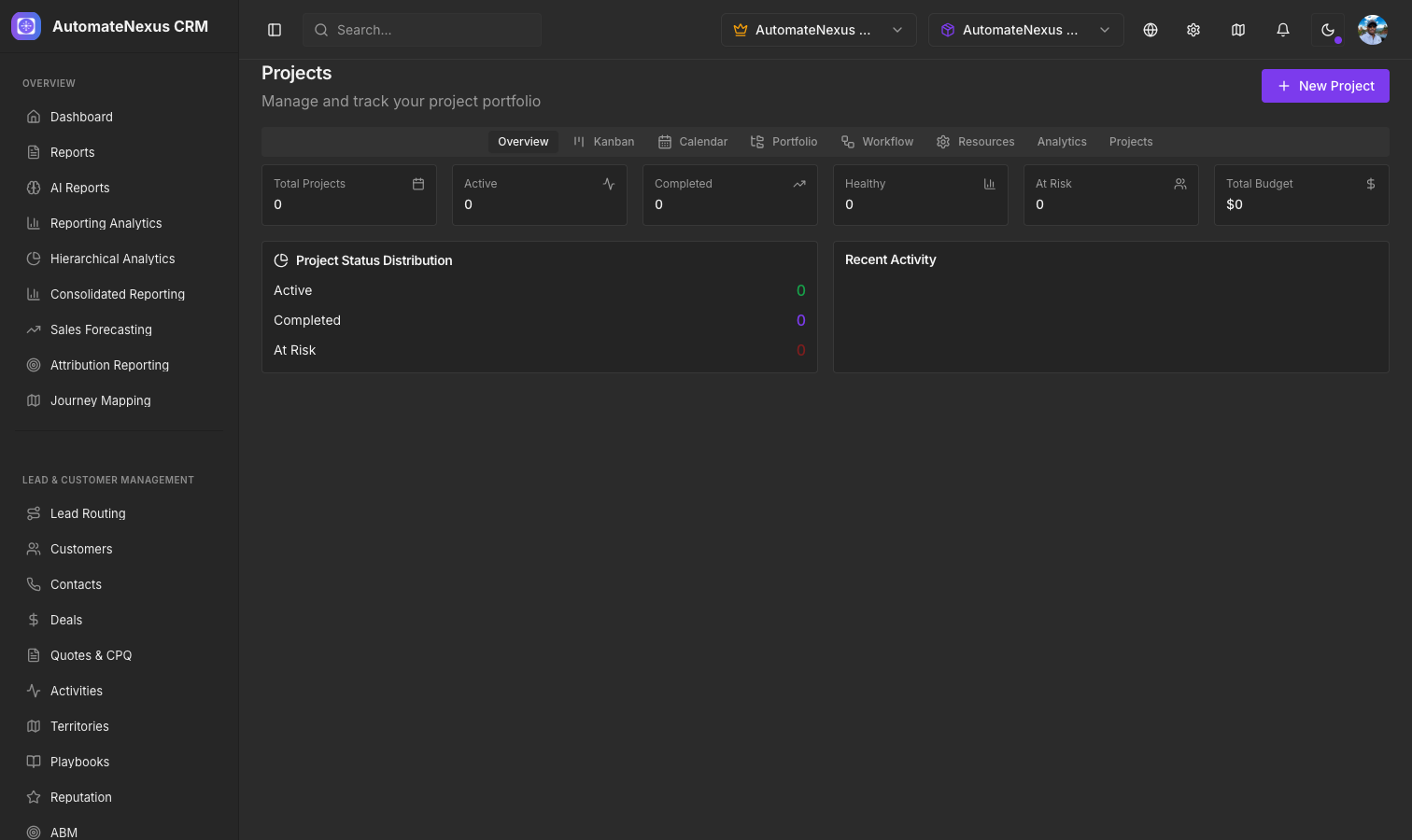
Creating Projects#
Navigate to Projects → Projects and click + New project to create and manage projects. Each project includes:
- Project name, category and description
- Project timeline — start and end dates
- Owner, and a Client to share it with
- Status tracking (Active, On Hold, Completed, Cancelled), plus priority, risk level and a health of On track, At risk or Off track
- Budget, tracked against the time logged to the project
- Success criteria, constraints and key assumptions
The page shows projects as a board, a Timeline and Insights, with further calendar, portfolio, workflow and resource views.
Project Templates#
Save time by creating project templates for repeatable processes. A template captures:
- A default task list
- Its status, priority, duration in days and budget
- Category, industry, tags and custom fields
Choose a template when you create a project, or use Create a project from this template on the Project Templates page; the template's tasks are copied into the new project. Templates marked public are shared beyond your own organization.
Deliverables#
Track project deliverables — the tangible outputs your team produces — on the project's Deliverables tab. Each deliverable has a type, a priority, a due date and estimated hours, moves through Pending, In Progress, In Review and Approved, and keeps versions with file attachments and change notes.
Project Wiki#
Each project includes a built-in wiki for documentation, meeting notes, and knowledge sharing, on its Wiki tab and under Docs → Wiki. Pages are organized in a tree; each new page has a visibility of Private (only you), Internal (team members) or Client-facing.
Team Collaboration#
Projects support team collaboration through their tabs:
- Comment threads and file attachments on project tasks (Tasks)
- Milestones, Proofs for review, and Members
- An Activity feed showing project updates
- Per-project stakeholder notifications: email updates, milestone alerts, budget warnings and status changes
Client Projects#
Choose a client in the project's Client (share with) field to show it in that client's portal, where they can follow progress and deliverables without accessing your internal CRM. For anyone else, the share icon in the project header (Create a read-only public link) produces a link that shows the project without a login.