How Document Tracking Works#
Document Tracking records when prospects open the quotes and proposals you send them. Every visit to a quote's public link is logged as a viewing session, together with the time the viewer spent, so you know how engaged a prospect is. Open it under CRM → Quotes, on the Tracking tab (the former Document Tracking page redirects there).
Tracked Metrics#
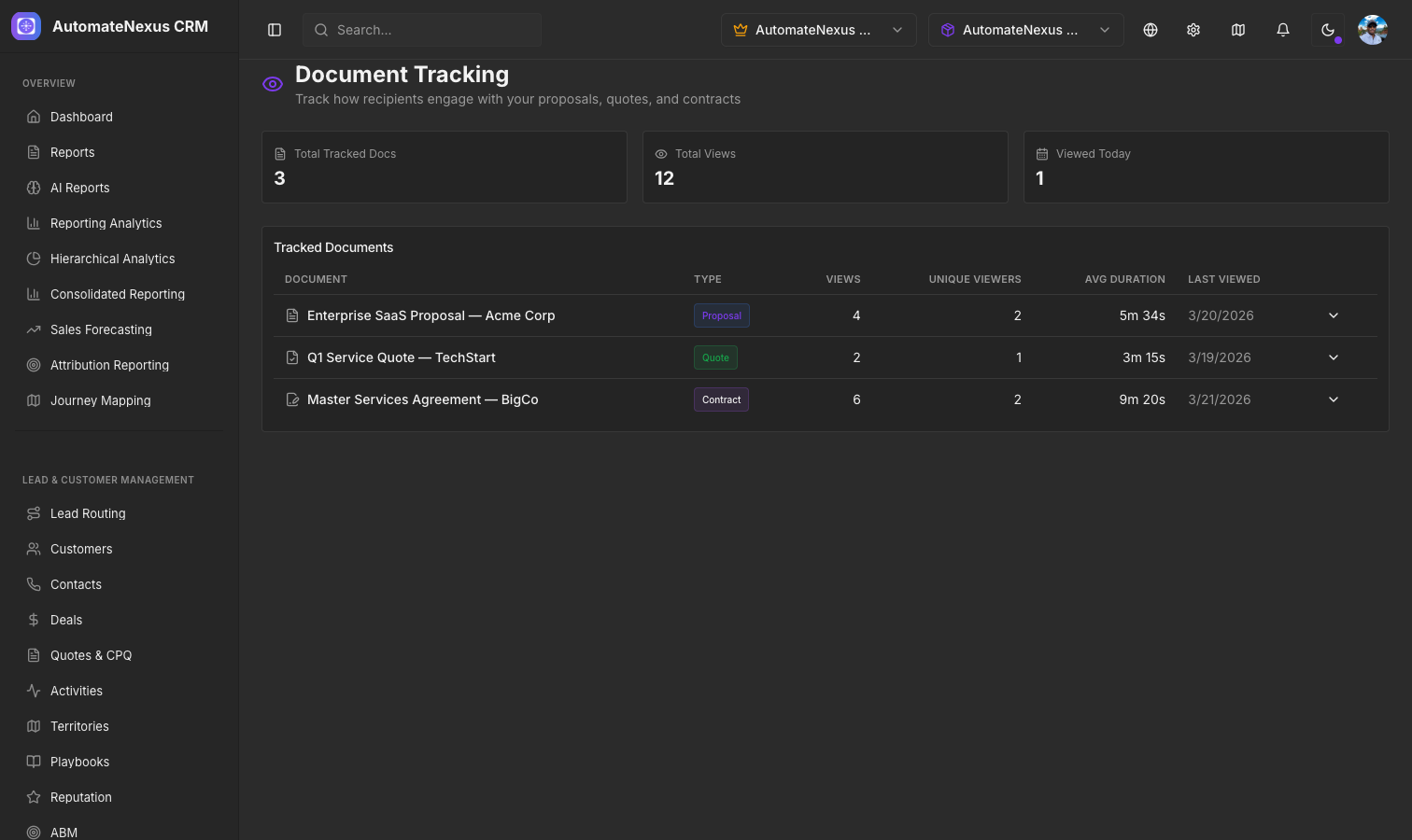
For each tracked document, the Tracking tab shows:
- Views — Number of viewing sessions
- Unique viewers — Number of distinct people who viewed it, by email address when it is known and otherwise by browser session
- Avg. time — Average time a viewer spent on the document per session
- Last viewed — When the document was most recently opened
Each row also shows the document's Type. A session is extended for as long as the viewer keeps the document open, up to a cap of two hours.
Sections Read#
Which parts of a proposal held the reader's attention is shown on the quote itself. Open the quote's preview from the All quotes tab: the Read line lists the sections a viewer spent time on, longest first, with the seconds spent on each. This tells you which sections of your proposal are getting the most attention and which are being skipped — invaluable for refining your documents.
Views on the Quotes List#
The All quotes tab reflects engagement on every row: a sent quote shows its sent date until it is opened, then its status becomes Viewed with the number of views. The Out with customers figure at the top counts the quotes awaiting a reply and how many of them have not been opened yet, and the ⋯ menu on a live quote offers Send a follow-up to nudge a customer who has gone quiet.
Real-Time Notifications#
To be told the moment a prospect opens your document, build a workflow under Projects → Workflows with the Quote Event trigger set to Customer opened the quote, and add the step you want — a task for the quote's owner, a text message or an email. This lets you time your follow-up call for maximum impact, reaching out while the prospect is actively reviewing your proposal.
Document Dashboard#
The Tracking tab lists every tracked document with its type, views, unique viewers, average time and last viewed date, most recent activity first; until a quote link has been opened it reads "No views recorded yet". For the wider picture, the Analytics tab of the Quotes page reports on your quotes over the last 7, 30 or 90 days or the last year.