Your Online Store#
AutomateNexus CRM includes a built-in commerce module for managing products, processing orders and running a storefront, all integrated with your CRM data. Its pages sit under Commerce in the sidebar: Products, Orders, Store and Discount Codes, with sales analytics under Insights → Ecommerce.
Products#
Navigate to Commerce → Products to manage your catalog. The page has three tabs, Products, Packages and Price books, and the product list shows each item's SKU, name, type, category, price and stock. When you add a product you can:
- Set its Product Name, Description, SKU, Price, Cost and Unit
- Pick a Category (General, Electronics or Clothing)
- Track inventory, with current, minimum and maximum stock levels
- Choose a Payment Processor for it, or leave the organization default
- Mark it as a service (Is Service) with an intake form, a pricing model (Fixed price, Hourly, or Credit packs) and a video for its service card
Orders#
Commerce → Orders shows all customer purchases, with summary tiles for orders, paid revenue, unfulfilled and delivered orders, a search by order number or email, and a status filter. Each order lists:
- Order number and the date it was placed
- The customer
- The items ordered
- Order status (pending, processing, shipped, delivered, cancelled or refunded)
- Payment status and total
Click an order to open its detail, including any customer notes. A Payment reminders tab sits next to the order list.
Discount Codes#
Create discount codes for promotions under Commerce → Discount Codes with New code:
- Percentage — e.g., 20% off the order
- Fixed amount — e.g., $10 off
- Free shipping
- Set a minimum order, a usage limit, a maximum discount, start and expiry dates, and whether the code is active
Store#
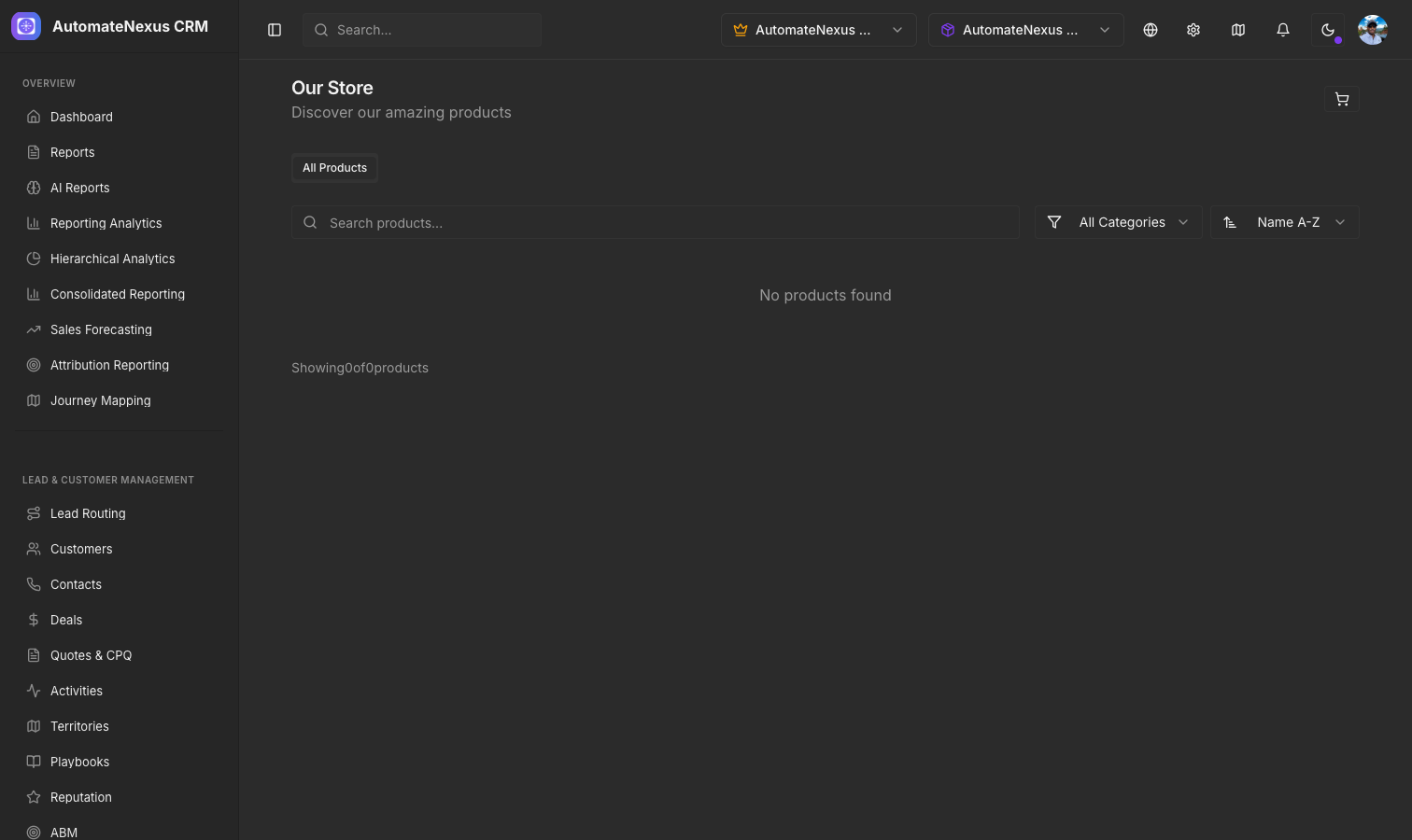
Commerce → Store is your storefront: your products by collection with a search box, and Store settings for the sales tax rate and a flat shipping fee.
Ecommerce Analytics#
Insights → Ecommerce shows revenue, orders, customers and average order value for the selected period, revenue per day, top products by revenue, orders and customers per day, and your generated reports.